
You probably believe you have a firm handle on your monthly expenses. You know the rent or mortgage payment by heart, you can estimate your utility bill within twenty dollars, and you know exactly what you spent on groceries last week. Yet, there is a silent drain on your bank account that often goes unnoticed. It is the phenomenon known as subscription fatigue—the cumulative weight of dozens of small, recurring payments for services you rarely use or have entirely forgotten.
A study by C+R Research revealed a staggering disconnect between what consumers think they spend and the reality of their bank statements. While most people estimated they spent roughly $86 per month on subscriptions, the actual average was closer to $219. This $133 gap represents more than $1,500 in annual “ghost spending” that could be redirected toward high-interest debt, emergency savings, or a well-deserved vacation. Managing app spending isn’t just about being frugal; it is about reclaiming control over your financial narrative.
“Beware of little expenses; a small leak will sink a great ship.” — Benjamin Franklin
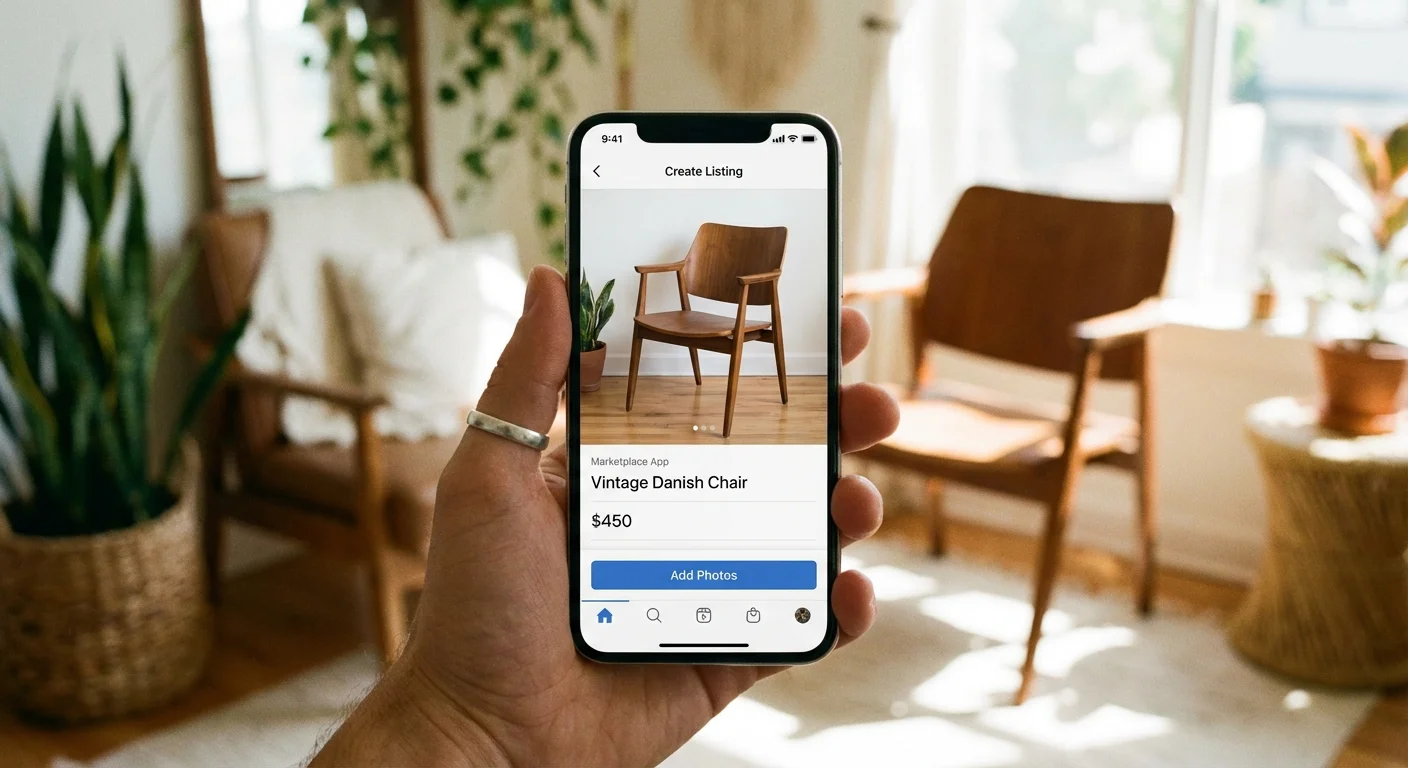
The Rise of the Subscription Economy
The shift from “ownership” to “access” has changed how you interact with products. Ten years ago, you bought a software disc or a DVD once and owned it forever. Today, everything from your toothbrush and coffee to your photo editing software and home security system requires a monthly fee. Companies prefer this model because it creates “sticky” revenue—they bank on the fact that once you sign up, you are unlikely to go through the friction of canceling.
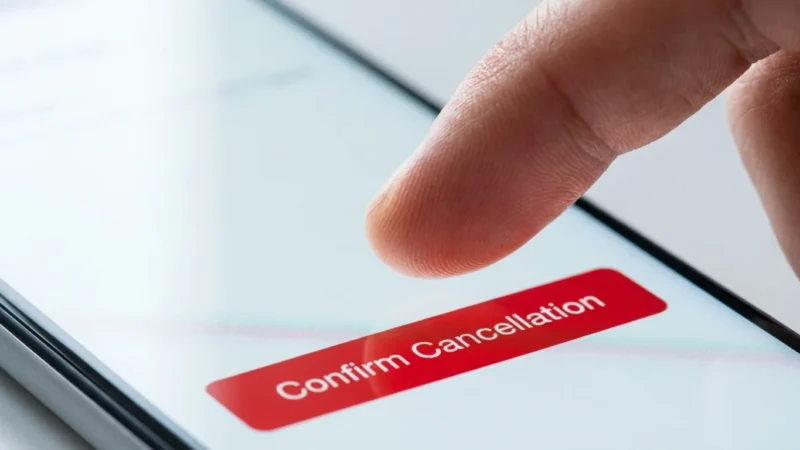
This friction is often intentional. You may have noticed that while it takes one click to sign up for a streaming service, canceling it requires navigating through four different confirmation screens or, in some cases, making a phone call to a “retention specialist.” This intentional design is why a subscription audit is essential. You need a systematic approach to cut through the noise and stop recurring payments that no longer serve your life.

Step 1: The Great Digital Paper Trail
You cannot cancel what you cannot see. The first step of your audit involves gathering every piece of data regarding your outgoing cash flow. Do not rely on your memory; the human brain is remarkably good at filtering out small, regular charges like a $4.99 cloud storage fee or a $9.99 fitness app.
Start by downloading your bank and credit card statements from the last ninety days. Many subscriptions are billed quarterly or annually, so looking at just one month might cause you to miss the “big” charges. Look for transaction descriptions that include “RECURRING,” “SUB,” or “BILL.”
Next, check the two most common hiding places for app spending: the Apple App Store and the Google Play Store. On an iPhone, go to your Settings, tap your name, and select “Subscriptions.” On an Android device, open the Play Store, tap your profile icon, and select “Payments & subscriptions.” You might be surprised to find active trials or apps you deleted months ago that are still charging your account.
Finally, check your PayPal and Amazon accounts. Both platforms act as “pass-through” payment processors. You might have a streaming service billed through Amazon Channels or a professional tool billed via PayPal that doesn’t clearly state the service name on your primary bank statement.

Step 2: Categorize and Confront the Costs
Once you have a comprehensive list, organize your subscriptions into categories. This helps you see the “bloat” in specific areas of your life. Use the following table to visualize how these small amounts add up over a full year.
| Category | Common Examples | Average Monthly Cost | Annual Impact |
|---|---|---|---|
| Video Streaming | Netflix, Hulu, Max, Disney+ | $15.00 | $180.00 |
| Music & Audio | Spotify, Audible, YouTube Premium | $11.00 | $132.00 |
| Cloud & Productivity | iCloud, Microsoft 365, Dropbox | $9.99 | $119.88 |
| Niche Apps | Fitness trackers, Dating apps, News sites | $12.99 | $155.88 |
| Delivery Services | Amazon Prime, DoorDash DashPass, Instacart+ | $14.00 | $168.00 |
Look at the “Annual Impact” column. When you view a subscription as a $180 annual commitment rather than a $15 monthly charge, your perspective on its value changes. Ask yourself: “Did I get $180 worth of joy or utility from this service this year?” If the answer isn’t a resounding yes, it is a candidate for the chopping block.

Step 3: Apply the 30-Day Usage Test
The most effective way to manage app spending is to be honest about your habits. Apply the 30-day rule: Have you opened the app or used the service in the last month? If not, cancel it immediately. You can always resubscribe later if you truly miss it.
Be particularly ruthless with “overlapping” services. Do you really need three different music streaming platforms? Are you paying for a premium weather app when the free version provides the same data? We often fall into the trap of “feature creep,” where we pay for the highest tier of a service but only use the basic functions. According to NerdWallet, many consumers can save significantly just by downgrading to a lower-tier plan rather than canceling entirely.
Consider the “rotation strategy” for streaming services. Instead of paying for Netflix, Hulu, and Max simultaneously, subscribe to one for a month, binge the shows you want to see, cancel it, and move to the next. You maintain access to all the content you love but only pay for one service at a time.

Step 4: Execute the Cancellation and Combat Dark Patterns
This is where many people give up. Companies use “dark patterns”—user interface designs intended to trick you into doing something, like staying subscribed. You might find that the “Cancel” button is hidden in a sub-menu, or the font is so small it’s nearly invisible.
When you click cancel, expect the “guilt trip” screen. “Are you sure you want to leave? You’ll lose access to your history!” Ignore the emotional plea. Some services will offer you a “pause” option or a discounted rate (e.g., 50% off for three months) to stay. If you were genuinely planning to cancel because you don’t use the service, do not take the bait. A discount on something you don’t use is still a waste of money.
The Federal Trade Commission (FTC) has recently proposed “click-to-cancel” rules that would require companies to make canceling a subscription as easy as it was to sign up. Until those rules are fully enforced, stay vigilant. After you cancel, take a screenshot of the confirmation page. It is not uncommon for “system errors” to keep a subscription active even after you’ve hit the button.

Step 5: Establish a Monthly Sentry
A subscription audit is not a one-time event; it is a maintenance habit. New “free trials” have a way of creeping back into your life. Set a recurring calendar invite for the first of every month to spend fifteen minutes reviewing your digital spending.
To prevent future fatigue, adopt a “no-auto-renew” policy for new services. Many platforms allow you to cancel the subscription immediately after signing up for a free trial while still allowing you to use the service for the remainder of the trial period. This ensures you won’t be hit with a surprise charge when the trial ends.
You can also use specialized budgeting tools or apps designed to track recurring payments. However, be cautious: many of these “cancel your subscription” apps actually require their own monthly subscription. Do not pay a fee to save a fee unless the math clearly favors you.

Costly Mistakes to Avoid
In your rush to clean up your finances, avoid these common pitfalls that can lead to unexpected costs or loss of service:
- Ignoring Annual Renewals: Many “Pro” software versions or Amazon Prime-style memberships bill once a year. If you cancel mid-year, you usually keep access until the expiration date, but if you forget to cancel before the renewal, you are often locked in for another twelve months without a refund.
- The “Free Trial” Memory Lapse: Never sign up for a free trial without immediately setting a phone alert for 24 hours before it expires. Companies count on your forgetfulness.
- Losing Grandfathered Pricing: Before you cancel an old subscription you *do* use, check if you are on a “legacy” plan. If you cancel and resubscribe later, you might be forced into a much higher price bracket.
- Forgetting “Vampire” Apps: These are small, $0.99 or $1.99 monthly charges for extra cloud storage or specialized filters. They seem insignificant, but ten of these add up to $240 a year.

Skip DIY When…
While most subscription audits are simple, there are times when you should be careful about “blindly” canceling. Do not cancel services that are tied to your home security, identity theft protection, or essential insurance policies without having a replacement ready. If you use a specific software for your primary income (like Adobe Creative Cloud for a designer), ensure you have backed up all your cloud-stored files before hitting cancel, as you may lose access to your data immediately.
Frequently Asked Questions
How do I find subscriptions that don’t show up in the App Store?
Check your email inbox for keywords like “receipt,” “invoice,” “subscription,” or “thank you for your purchase.” Many third-party services bill directly through their own websites via Stripe or Braintree, meaning they won’t appear in your Apple or Google subscription list.
Can I get a refund for a subscription I forgot to cancel?
It depends on the company, but it never hurts to ask. Contact customer support immediately after the charge hits. State that you intended to cancel and have not used the service since the renewal. Many companies, including Apple and Amazon, are surprisingly lenient with one-time “accidental” renewals if you catch them within 48 hours.
Is it safe to use apps that cancel subscriptions for me?
While services like Rocket Money or TrueBill are popular, they often require “read-only” access to your bank accounts via Plaid. If you are uncomfortable sharing your banking credentials, a manual audit using your statements is the safest and most thorough method. Additionally, many of these apps now charge their own subscription fees.
Does canceling a subscription affect my credit score?
Generally, no. Subscriptions are not credit accounts. However, if you “cancel” by simply stopping payment (like disputing the charge with your bank) rather than following the company’s official cancellation process, the company could theoretically send the unpaid balance to collections, which *would* hurt your score. Always follow the formal cancellation path.
Take the First Step Today
The goal of a subscription audit isn’t to live a life devoid of digital entertainment or helpful tools. It is about intentionality. By eliminating the services that provide zero value, you empower yourself to spend more on the things that actually improve your quality of life. Start today by looking at just one credit card statement. Find one “ghost” subscription and kill it. That small victory is the first step toward a leaner, more intentional financial future.
Prices and availability mentioned reflect research at the time of writing and may vary by location and retailer. Your actual savings will depend on your specific situation and shopping habits.
Last updated: February 2026. Prices change frequently—verify current costs before purchasing.








Leave a Reply