
Grocery prices remain one of the most volatile categories in a typical American budget. According to recent data from the Bureau of Labor Statistics, the cost of food at home has risen significantly over the last few years, forcing many households to rethink how they fill their pantries. While the days of cutting physical paper coupons from the Sunday newspaper are largely behind us, the savings haven’t disappeared; they have simply migrated to your smartphone. Moving to a digital coupons guide strategy allows you to save hundreds of dollars annually without the clutter of paper clippings.
Mastering grocery store apps requires a shift in how you plan your shopping trips. Instead of browsing aisles for “Yellow Tag” specials, you must now “clip” deals virtually before you reach the register. This guide breaks down the digital ecosystems of the nation’s largest retailers, providing a clear roadmap to lower your receipt totals at every major chain.
“The goal isn’t to be cheap—it’s to be intentional.”
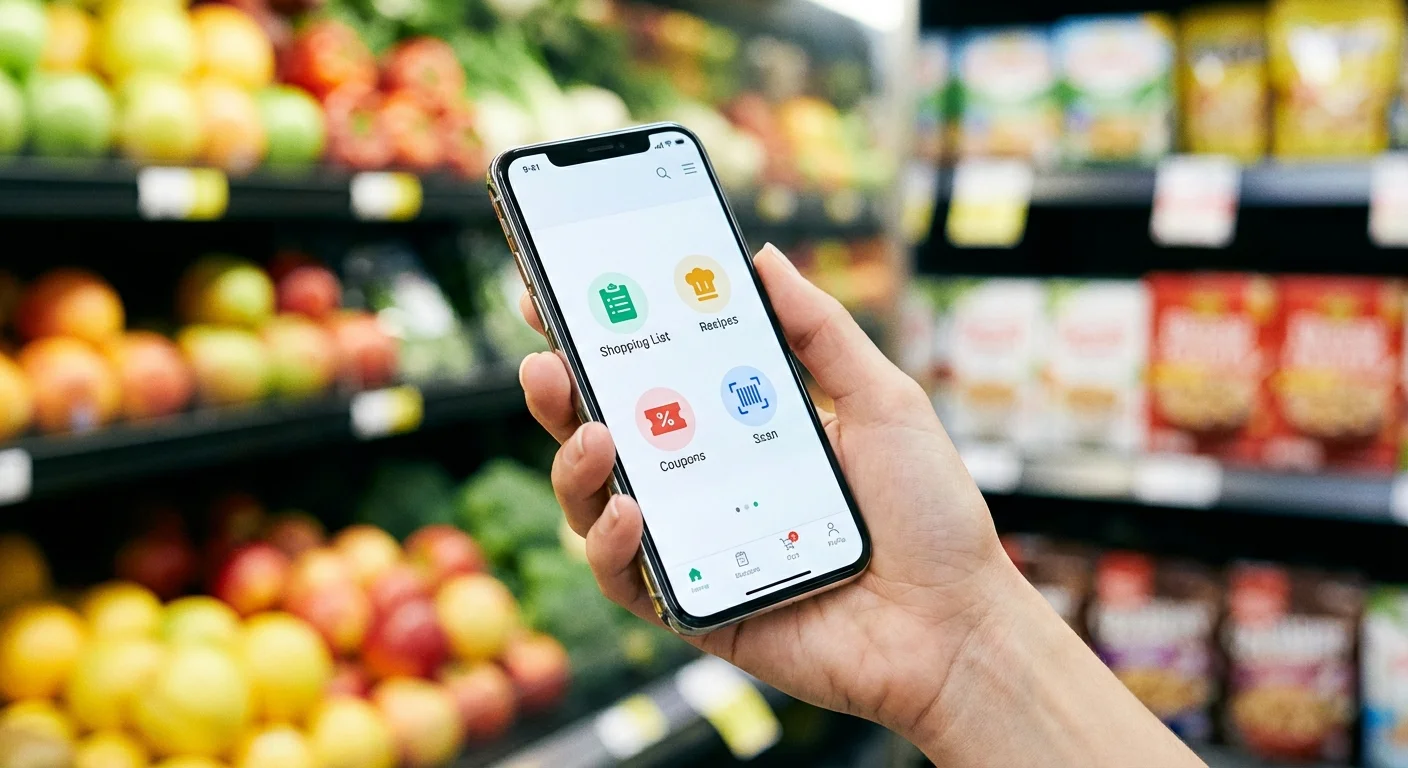
The Digital Ecosystem: Why You Must Download the App
Most major retailers have moved toward “personalized pricing.” This means the price you see on the shelf might not be the price you pay unless you have the store’s app linked to your phone number or loyalty card. These apps track your spending habits to offer you discounts on items you actually buy—meat, produce, and dairy—rather than just the processed snacks found in traditional circulars. To maximize your efficiency, create a dedicated folder on your phone for these apps so they are easily accessible while you walk the aisles.
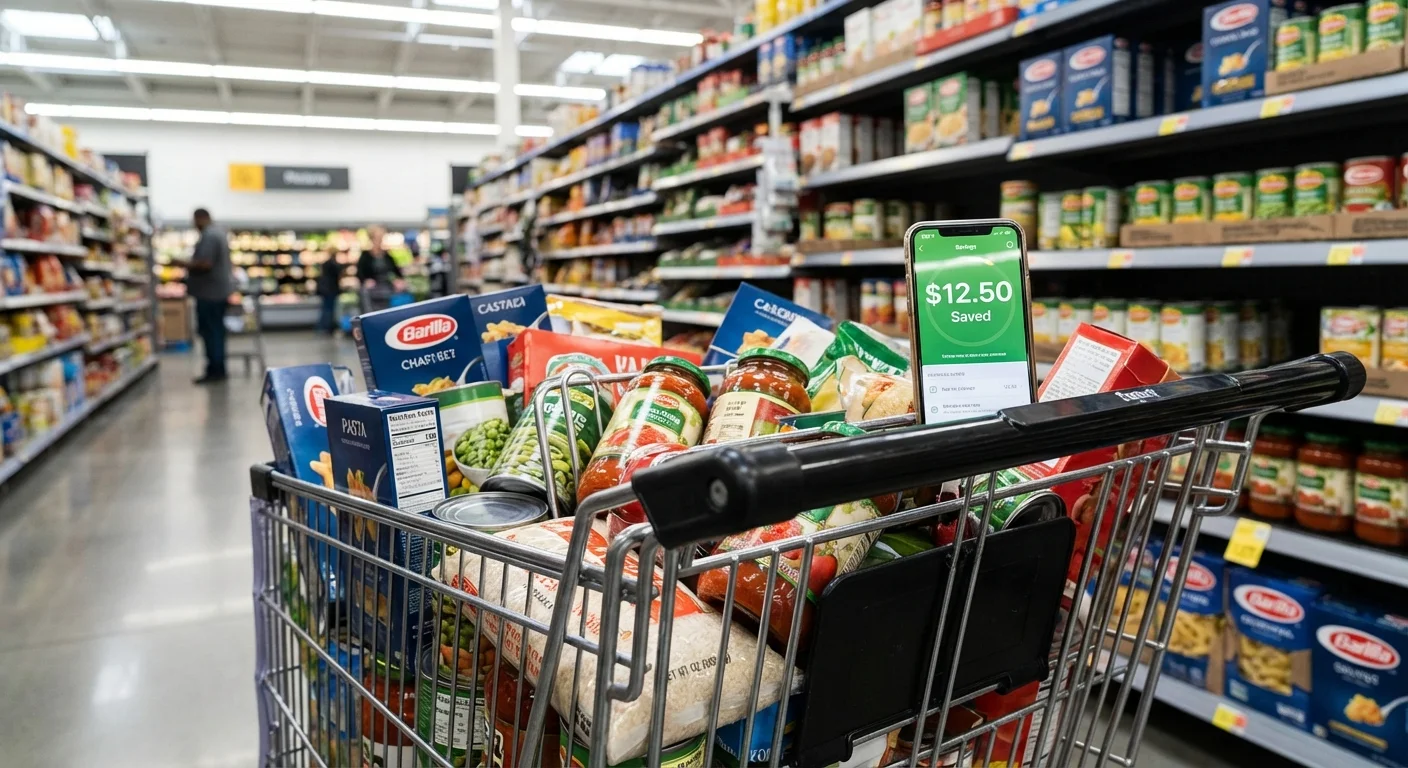
Navigating the Kroger Family of Stores
Kroger is the largest traditional supermarket chain in the U.S., operating under several banners including Ralphs, Fred Meyer, Fry’s, and King Soopers. Their digital coupon system is robust and often yields the highest percentage of savings for loyal shoppers. Kroger coupons are central to their “Kroger Plus” loyalty program.
To begin, download the Kroger app and link your Plus Card. If you don’t have a physical card, the app will generate a digital version for you. Navigate to the “Savings” tab and select “Digital Coupons.” Here, you can filter by “Best Sellers,” “Expiring Soon,” or specific categories. Kroger frequently offers “5X” events, where you can use a single digital coupon up to five times in a single transaction. This is a prime opportunity to stock up on shelf-stable staples like pasta sauce or canned goods.
Pro tip: Always check the “Cash Back” section of the app. This works like a built-in rebate system. You clip the offer, buy the item, and the cash value is credited to your loyalty account to be used on your next shopping trip. It effectively acts as a double-dip on savings when paired with standard digital coupons.
Walmart’s Unique Approach to Savings
Walmart operates differently than traditional grocery stores because they do not offer a loyalty card. However, the Walmart savings app (integrated into the main Walmart app) is essential for anyone looking to optimize their spending. While Walmart ended its “Savings Catcher” price-matching program years ago, they have replaced it with a direct integration with manufacturer rebates.
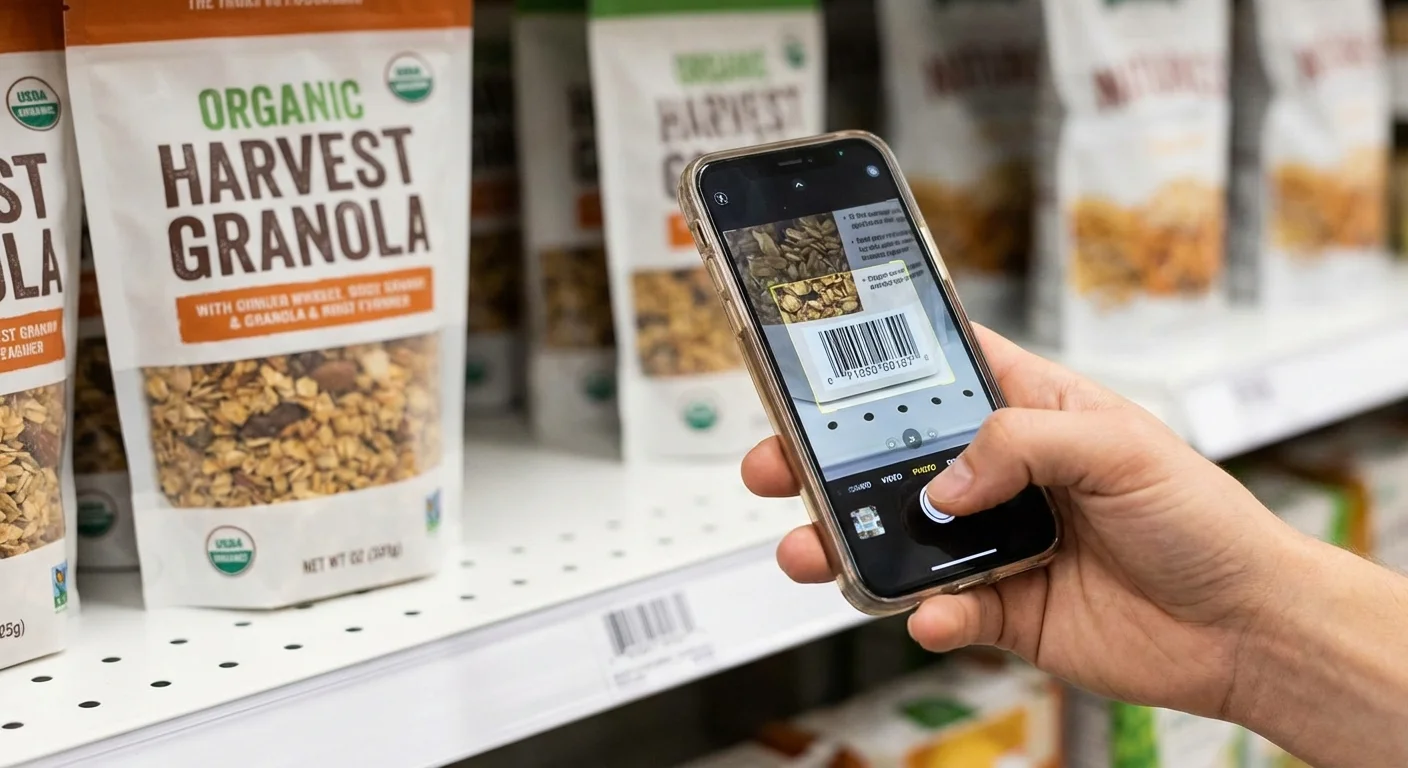
When you use the Walmart app, you can search for “Walmart Rewards.” These are digital offers provided by manufacturers that function exactly like coupons. When you purchase the item and scan your app at checkout (or use Walmart Pay), the reward value accumulates in your account. You can apply these accumulated funds to future purchases. Furthermore, the app allows you to scan barcodes while you shop to ensure the price on the shelf matches the price in the system—a common point of error in large-format stores.

Target Circle: More Than Just Coupons
Target transitioned its savings platform to “Target Circle” several years ago. This program is a hybrid of a loyalty program and a digital coupon hub. Unlike Kroger, where you must clip every individual item, Target Circle often provides “Manufacturer Coupons” alongside “Target Circle Deals” (which are percentage-based discounts).
To save time, use the Target app’s built-in scanner. As you place an item in your cart, scan its barcode with your phone. The app will immediately show you if there is an available Circle deal or a manufacturer coupon for that specific product. This prevents the frustration of realizing you missed a 20% discount on laundry detergent after you’ve already checked out. For even deeper savings, Consumer Reports suggests pairing these digital deals with the Target RedCard to shave an additional 5% off the total.

Safeway and Albertsons: The “for U” Program
The Safeway and Albertsons chains (which include Vons, Jewel-Osco, and Shaw’s) use a platform called “for U.” This is perhaps the most aggressive app for personalized pricing. The app features a “Just for U” section where the algorithm offers lower prices on items you buy frequently. For example, if you buy a specific brand of almond milk every week, the app may eventually offer you a price that is 50 cents lower than the general public price.
The “for U” platform also includes a “Rewards” system. For every $100 you spend, you earn a point. These points can be redeemed for free items—like a free dozen eggs or a bag of avocados—or for significant discounts at the gas pump. This dual-layered approach makes it one of the most valuable grocery store apps for families who spend $500 or more per month on food.
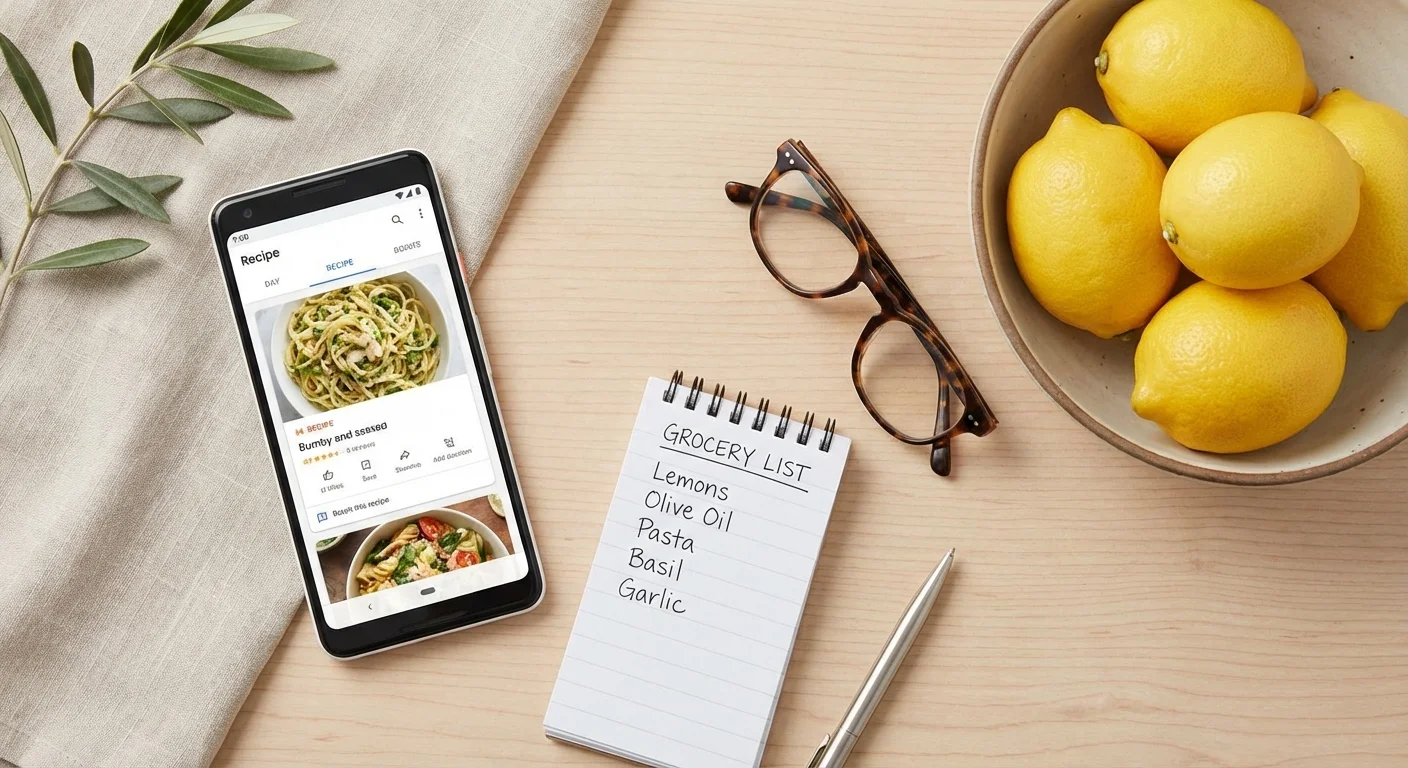
Comparing Major Grocery App Features
| Store Chain | App Name | Best Savings Feature | Stackability |
|---|---|---|---|
| Kroger | Kroger App | 5X Digital Coupons | High (Coupons + Cash Back) |
| Walmart | Walmart App | Walmart Rewards | Medium (Integrated Rebates) |
| Target | Target App | In-app Barcode Scanner | High (Circle + RedCard) |
| Publix | Publix App | BOGO Digital Clips | Moderate (Digital Only) |
| Safeway/Albertsons | Albertsons for U | Personalized Price Cuts | High (Points for Gas/Food) |
Costly Mistakes to Avoid
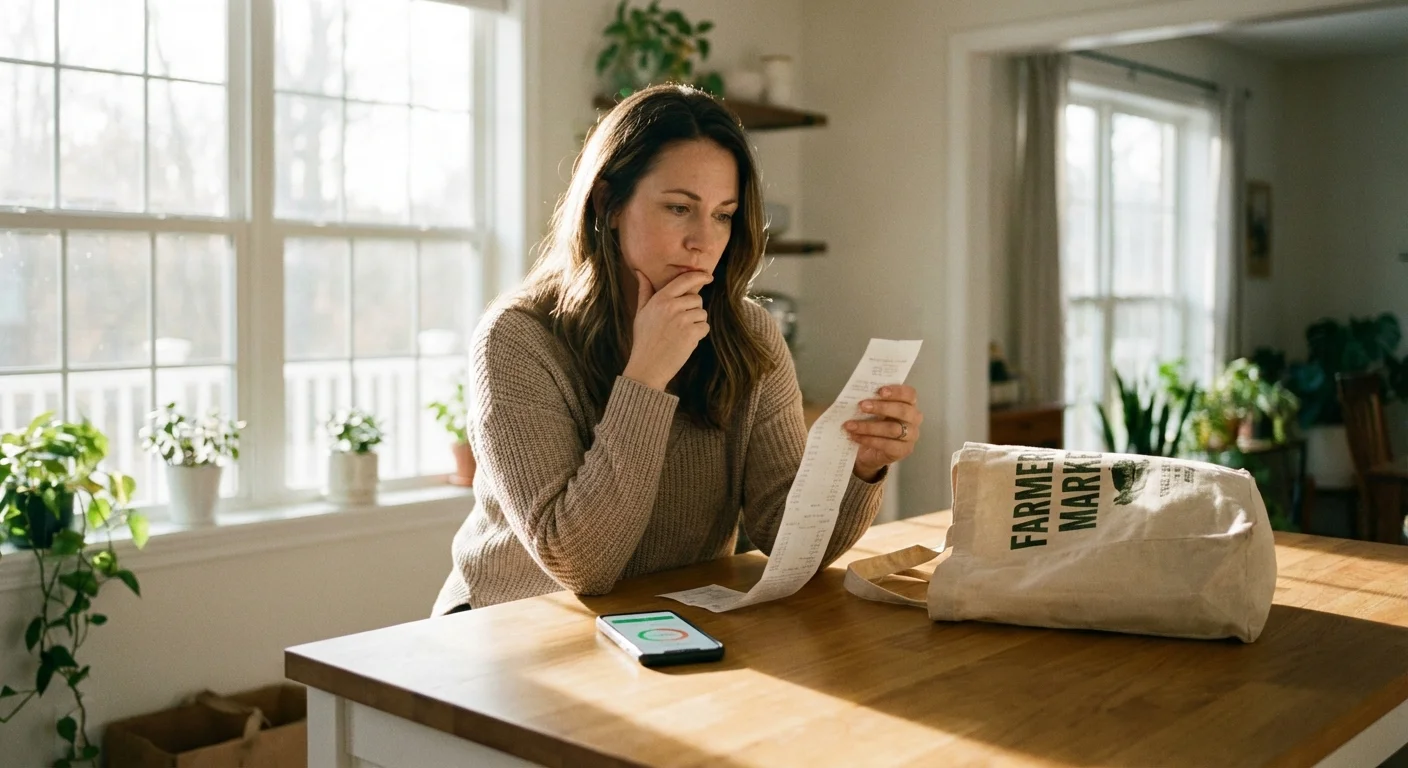
While digital coupons are powerful, they can lead to overspending if you aren’t careful. Retailers use these apps not just to save you money, but to influence your behavior. Avoid these common pitfalls to keep your budget intact:
- The “Deal Trap”: Do not buy an item just because you have a coupon for it. A $1.00 off coupon on a $5.00 box of organic crackers you don’t actually need is still a $4.00 loss to your budget.
- Ignoring the Unit Price: Sometimes, a digital coupon on a name-brand item still results in a higher price than the store-brand equivalent. Always check the unit price (e.g., price per ounce) displayed on the shelf tag.
- Forgetting to “Clip”: Most apps require you to manually click “Clip” or “Add to List” for the discount to apply at the register. Simply having the app installed is not enough. Spend ten minutes every Sunday morning clicking through your favorite items to ensure they are ready for your trip.
- Missing the Expiration: Digital coupons often have shorter windows than paper ones. Check your “Clipped” list before you leave the house to ensure your planned savings haven’t expired.
Advanced Stacking: Triple the Savings
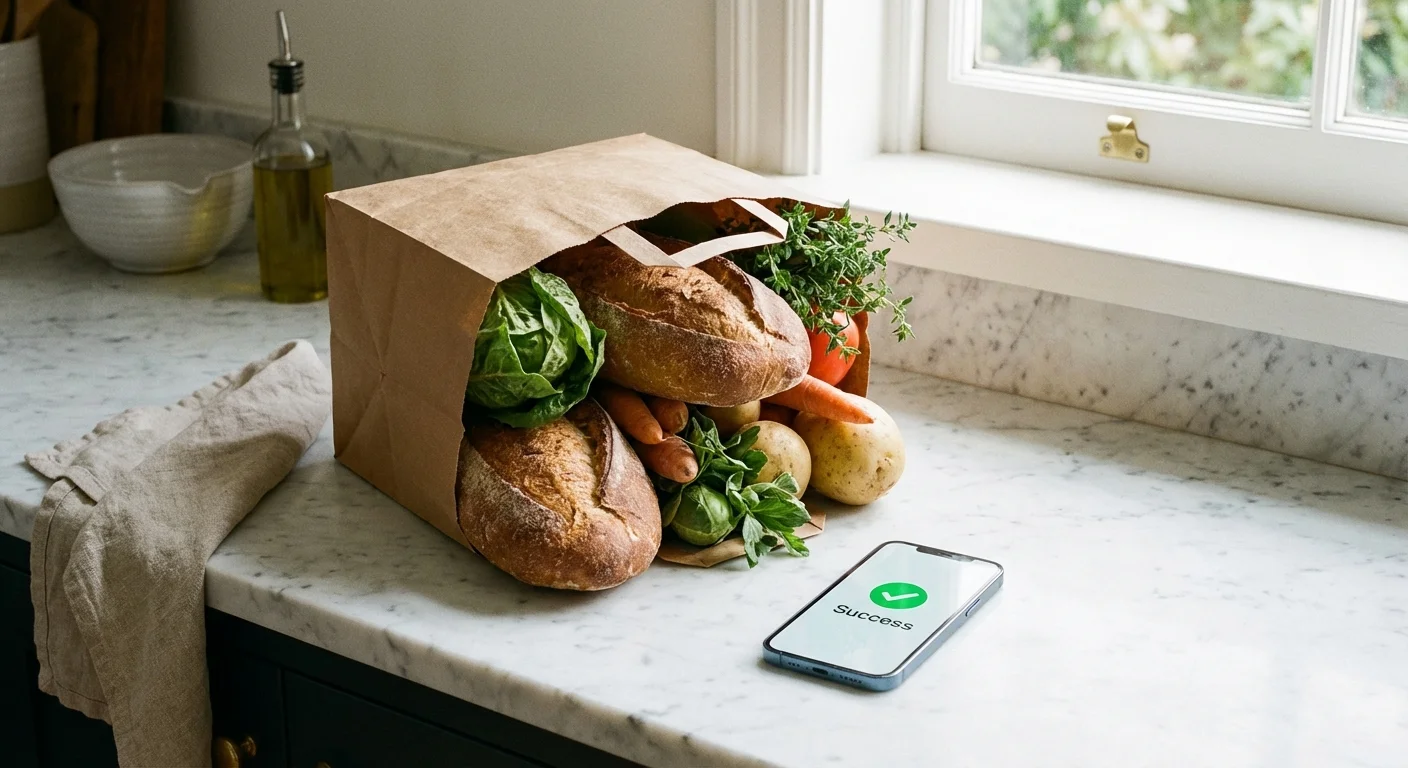
For those who want to take their savings to the expert level, digital coupons are just the first step. You can “stack” your savings by using third-party rebate apps in conjunction with store apps. Platforms like Slickdeals often highlight when these opportunities arise.
The process works like this:
- Clip a digital manufacturer coupon in your grocery app (e.g., $1.00 off yogurt).
- Purchase the item using your loyalty account.
- Submit a photo of your receipt to a rebate app like Ibotta or Fetch for an additional $0.50 to $1.00 back.
- Use a rewards-based credit card to earn 3% to 6% cash back on the entire grocery purchase.
By layering these methods, you can often get items for 50% to 75% off their retail price, or even for free.
Skip DIY When…
Digital couponing is a high-reward activity, but it isn’t always the best use of your time. You should skip the heavy “clipping” process in the following scenarios:
- You Shop Primarily at ALDI or Lidl: These “limited assortment” grocers focus on low everyday prices rather than coupons. They rarely offer digital coupons, so your time is better spent simply comparing their weekly “finds” to your list.
- The Time-to-Savings Ratio is Low: If you find yourself spending two hours a week to save only $5.00, your time is likely more valuable elsewhere. Focus your energy on high-value items like meat, coffee, and household paper products.
- You Are Prone to Impulse Buys: If opening the app leads you to browse the “Weekly Deals” and add five items to your cart that weren’t on your list, delete the app. Use a basic grocery list and stick to store brands instead.
“A penny saved is a penny earned.” — Benjamin Franklin
Frequently Asked Questions
Do I need a smartphone to use digital coupons?
While a smartphone is the most convenient way to manage coupons, most major chains like Kroger and Safeway allow you to log into their website via a desktop computer. You can “clip” the coupons to your account online, and they will automatically apply when you enter your phone number at the register.
Can I use a digital coupon and a paper coupon on the same item?
Generally, no. Most retailers have updated their software to prevent “double dipping” on a single item with both a paper and digital manufacturer coupon. However, you can often use a store-specific coupon (like a Target Circle deal) and a manufacturer coupon on the same product.
Why didn’t my digital coupon work at the register?
The most common reason is a mismatch in the specific product size or variety. If the coupon is for a 12-ounce bottle of ketchup and you buy the 24-ounce bottle, the discount will not trigger. Use the app’s barcode scanner in the store to verify that the item in your hand matches the clipped coupon.
Is my data private when I use these apps?
In exchange for savings, retailers track your purchase history. If you are concerned about privacy, review the Federal Trade Commission guidelines on consumer privacy. You can often opt-out of some data sharing within the app settings, though this may limit the number of “personalized” deals you receive.
Mastering the Checkout
The final hurdle is the checkout process. To ensure your digital coupons guide you to real savings, always watch the screen as items are scanned. Most store systems apply digital discounts at the very end of the transaction. Do not panic if you see full prices as the cashier scans your milk and bread; usually, once you hit “Pay” or “Total,” the system communicates with your digital account and subtracts the “Savings” or “Store Rewards” in a single batch.
Start small. Choose one store—the one you visit most frequently—and commit to using its app for one month. Once you see the “Total Savings” at the bottom of your receipt, the momentum will carry you to the next chain. Using digital coupons isn’t about being cheap; it’s about being a savvy manager of your household’s financial resources.
The savings estimates in this article are based on typical costs and may differ in your area. Always compare current prices and consider your household’s specific needs.
Last updated: February 2026. Prices change frequently—verify current costs before purchasing.







Leave a Reply