
You probably know the sinking feeling of watching a brand-new smartphone or laptop lose 30 percent of its value the moment you break the plastic seal on the box. In the world of personal finance, tech is one of the fastest-depreciating assets you can own. Yet, we treat these devices as necessities. If you are tired of the thousand-dollar upgrade cycle, there is a better way to stay current without draining your savings. Buying refurbished tech—when done correctly—offers the exact same user experience as buying new, but at a price point that keeps your budget intact.
The stigma surrounding “used” electronics often stems from a misunderstanding of what refurbished actually means. Many people imagine a dusty, scratched-up device found in a bargain bin. In reality, certified pre-owned electronics often look and function as if they just rolled off the assembly line. Because these items undergo more rigorous individual testing than the thousands of units moving through standard factory production, they are sometimes even more reliable than their “new” counterparts. This guide will show you how to navigate the marketplace, identify the safest retailers, and secure high-end technology for roughly 40% less than retail prices.
Understanding the Refurbished Hierarchy
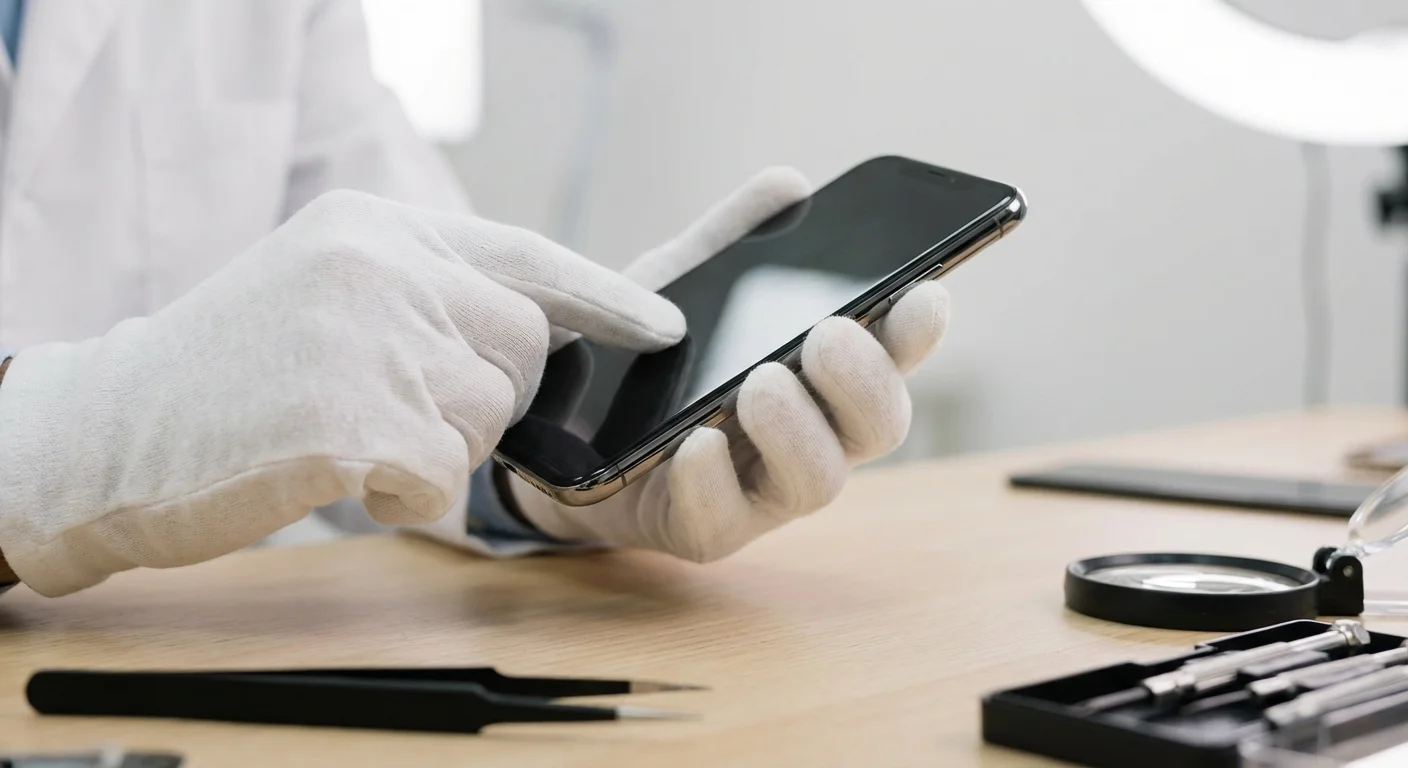
Before you spend a single dollar, you must distinguish between “used” and “refurbished.” A used device is sold “as-is” by a previous owner. There is no guarantee it works, and if it fails ten minutes after the transaction, you have no recourse. Refurbished tech, however, follows a specific restoration process. A technician inspects the device, repairs any faulty components, cleans the hardware, and resets the software to factory settings.
Within the refurbished world, three main tiers exist. Knowing which one you are buying determines the level of protection you receive:
- Manufacturer Refurbished: This is the gold standard. The original company (like Apple, Dell, or Samsung) handles the restoration. They use genuine replacement parts and usually provide a full one-year warranty—the same as a new product.
- Retailer Certified: Large retailers like Best Buy or Amazon manage the process. They use their own technicians or vetted third-party partners. While generally safe, the warranty might be shorter (90 days is common), and parts might not always be original.
- Third-Party Refurbished: Independent sellers on platforms like eBay or Back Market handle the repairs. This tier offers the deepest discounts, but it requires the most due diligence from you as a buyer.
“The goal isn’t to be cheap—it’s to be intentional.”

Where People Overspend on Technology
Most consumers overpay for electronics because they prioritize the “new” experience over actual utility. You are often paying a premium of $300 to $500 simply for a box with a shrink-wrap seal. According to data from the Bureau of Labor Statistics, the cost of personal computers and peripheral equipment has generally trended downward in terms of price-per-performance, yet the average household’s total tech spend remains high because we upgrade more frequently than necessary.
Another common mistake is buying “Open Box” items without checking the warranty status. An open-box item is usually just a return. While it might be cheaper, it hasn’t necessarily been inspected for internal damage. If you choose open-box over certified refurbished, you might save 10%, but you lose the peace of mind that comes with a technician’s seal of approval. To truly save on laptops and phones, you should target the 30% to 50% discount range found in the certified refurbished market.

The Best Places to Buy Refurbished Tech Safely
Safety in the refurbished market is measured by two factors: the return policy and the warranty. If a seller offers a 30-day “no questions asked” return window and a 12-month warranty, your risk is virtually zero. Here are the top-tier sources that meet these criteria.
1. Apple Certified Refurbished
Apple is arguably the best in the business for refurbished goods. When you buy a refurbished iPad or MacBook directly from Apple, they replace the outer shell and the battery with brand-new parts. You receive a device that is physically indistinguishable from new. Furthermore, it comes in a brand-new white box with all original accessories and the standard one-year warranty. You can even add AppleCare+ to these devices. While the discounts are usually capped at 15% to 20%, the lack of risk makes this a premier choice for those hesitant to buy used.
2. Amazon Renewed
Amazon Renewed is a massive marketplace for everything from headphones to high-end gaming rigs. The key advantage here is the “Amazon Renewed Guarantee.” If the product doesn’t work as expected, you have 90 days to return it for a full refund or a replacement. This is significantly longer than the standard 30-day return window for new items. You can often find previous-generation iPhones here for 40% less than the launch price.
3. Back Market
Back Market acts as a specialized intermediary. They don’t refurbish the tech themselves; instead, they vet thousands of professional refurbishers and hold them to strict quality standards. They provide a transparent grading system (Fair, Good, Excellent) so you know exactly what the cosmetic condition will be. Every purchase comes with a minimum 12-month warranty and a 30-day return policy. It is a fantastic place to save on laptops from various brands like Lenovo, HP, and Microsoft.
4. Dell Refurbished and HP Outlet
If you need a “workhorse” laptop for business or school, going directly to the manufacturer’s outlet is a pro move. Dell Refurbished frequently offers coupon codes—sometimes up to 40% or 50% off—on their Latitude and Precision lines. These are enterprise-grade machines built to last longer than the consumer models you find at big-box retailers. For more insights on choosing reliable hardware, Consumer Reports provides extensive reliability ratings for various laptop brands that can guide your brand choice.

Comparing the Savings: Refurbished vs. New
To visualize the impact on your wallet, look at the typical price differences for popular categories. These estimates represent average savings when buying devices that are 12 to 24 months old—the “sweet spot” for tech value.
| Category | New Price (MSRP) | Refurbished Price | Total Savings | Best For |
|---|---|---|---|---|
| Premium Smartphone | $999 | $550 – $620 | 38% – 45% | Budget-conscious upgraders |
| Business Laptop | $1,200 | $450 – $600 | 50% – 62% | Students and remote workers |
| Noise-Canceling Headphones | $350 | $210 – $240 | 31% – 40% | Travelers and commuters |
| Smartwatch | $399 | $220 – $260 | 35% – 45% | Fitness tracking |
| Tablet (Pro Model) | $799 | $520 – $580 | 27% – 35% | Creatives and artists |

A Step-by-Step Inspection Checklist
When your refurbished tech arrives, do not just turn it on and start using it. You have a limited window to identify defects and exercise your return rights. Follow this checklist immediately after unboxing:
- Physical Integrity: Check for deep scratches on the screen or dents in the chassis that weren’t mentioned in the listing. Check the charging port for debris or loose connections.
- Display Test: Open a completely white image and a completely black image. Look for “dead pixels” (dots that stay one color) or “backlight bleed” (yellowish light leaking from the edges).
- Battery Health: On a MacBook, go to System Settings > Battery > Battery Health. On an iPhone, go to Settings > Battery > Battery Health & Charging. If the maximum capacity is below 80%, request a replacement or a discount.
- Keyboard and Inputs: Open a word processor and press every single key. For touchscreens, use a drawing app to ensure the entire surface detects touch accurately.
- Connectivity: Connect to Wi-Fi and pair a Bluetooth device. Ensure the speakers work at high volume without crackling and that the microphone records clear audio.
If you encounter issues, don’t settle. Contact the seller immediately. Most reputable refurbishers will provide a prepaid shipping label for returns if the device is defective upon arrival.
When to Buy New Instead
While I am a fierce advocate for refurbished tech, there are specific scenarios where buying new is the smarter financial or functional move. You should avoid refurbished options if:
- The technology is safety-critical: Certain medical devices or high-end power supplies for custom PCs are better bought new to ensure no previous stress on the components.
- The discount is less than 15%: If a new item is on sale and the refurbished version is only $20 cheaper, buy new. The extra year of warranty and the fresh battery are worth the small price gap.
- The device is “vintage”: Avoid buying refurbished phones or laptops that are more than four years old. Software support (security updates) usually ends after 5-7 years. Buying an ancient device leaves you vulnerable to security risks. For more on staying safe online with your tech, the Federal Trade Commission (FTC) offers excellent resources on consumer protection and digital security.
- You need specific “Cutting Edge” features: If your job requires the absolute latest AI processing chip or a specific new sensor only available in this year’s model, refurbished isn’t an option yet—it usually takes 3-6 months for new models to hit the refurbished market.

Smart Purchasing Habits for Maximum Savings
To maximize your savings, combine the refurbished price with smart timing. Electronics prices fluctuate based on release cycles. For example, the best time to buy a refurbished iPhone is usually in October or November, right after the new model launches and the market is flooded with trade-ins. Similarly, laptops often see price drops during “Back to School” periods and early January.
You should also use price tracking tools. Websites like CamelCamelCamel (for Amazon) or Slickdeals can alert you when a specific refurbished model hits your target price. By being patient and setting these alerts, you can often push that 40% discount closer to 60%.
Remember the principle:
“A penny saved is a penny earned.” — Benjamin Franklin
When you save $400 on a laptop, that is $400 you can redirect toward your emergency fund, high-interest debt, or a retirement account. Over a lifetime of tech purchases, these savings compound into thousands of dollars.
FAQ: Common Concerns About Refurbished Tech
Is the battery life worse on refurbished devices?
It depends on the seller. Apple and many top-tier refurbishers install brand-new batteries. Other sellers guarantee at least 80% of the original capacity. Always read the seller’s battery guarantee before buying.
Do refurbished electronics come with accessories?
Manufacturer-refurbished items almost always come with original accessories. Third-party sellers might include “MFi-certified” or high-quality generic chargers. Check the “What’s in the box” section of the listing to avoid surprises.
Can I return a refurbished item if I just don’t like it?
Yes, if you buy from reputable places like Amazon Renewed, Back Market, or Apple. They offer “change of mind” return periods typically ranging from 14 to 90 days. Avoid sellers that specify “No Returns” or “All Sales Final.”
Does refurbished tech have a shorter lifespan?
Not necessarily. Because refurbished units are inspected individually, they often bypass the “infant mortality” phase of electronics, where manufacturing defects cause a device to fail within the first month. A well-refurbished device should last just as long as a new one.
Take Control of Your Tech Budget
Stop viewing electronics as luxury status symbols and start seeing them as tools. A laptop from two years ago still browses the web, edits photos, and handles spreadsheets with the same speed as today’s flagship for the vast majority of users. By shifting your habit toward certified pre-owned electronics, you break the cycle of overpaying for minor incremental upgrades.
Your next step is simple: the next time you need a device, check the manufacturer’s refurbished outlet or Amazon Renewed before looking at the “New” section. Compare the specs, verify the warranty, and calculate your savings. You will likely find that the “40% off” price tag feels much better than the “new car smell” of a retail box.
The savings estimates in this article are based on typical costs and may differ in your area. Always compare current prices and consider your household’s specific needs.
Last updated: February 2026. Prices change frequently—verify current costs before purchasing.








Leave a Reply