
You leave for work every morning, turn off the lights, and lock the door, assuming your home is dormant until you return. However, inside those quiet rooms, dozens of appliances continue to feast on your wallet. This phenomenon—commonly known as “vampire power,” “phantom load,” or standby power consumption—quietly accounts for a significant portion of the average American electric bill. While a single device might only draw a few watts while “off,” the cumulative effect across a modern household is staggering.
According to data from the Department of Energy, standby power accounts for 5% to 10% of residential energy use in the United States. For the average household, this translates to roughly $100 to $200 per year—money literally vanishing into thin air. By identifying these hidden energy drains and implementing a few low-effort habits, you can reclaim $150 annually without sacrificing a shred of comfort or convenience.
What Exactly is Vampire Power?
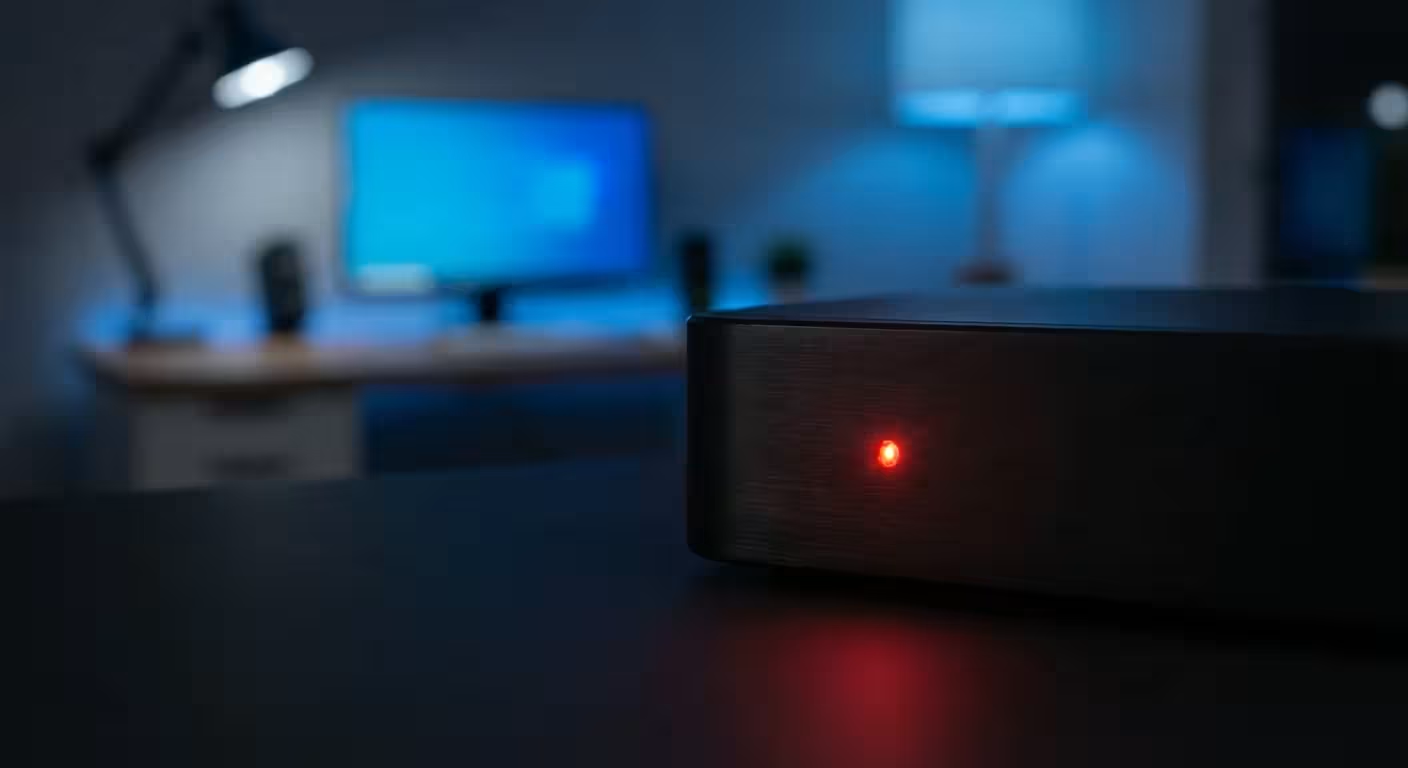
Vampire power refers to the electricity consumed by electronic devices while they are switched off or in standby mode. You might think “off” means the flow of electrons has stopped, but for most modern electronics, that simply isn’t true. Devices remain in a state of “ready” to provide immediate convenience. They wait for a signal from a remote control, maintain internal clocks, or keep volatile memory active.
This phantom load exists because of how modern power supplies function. Older appliances used physical switches that completely severed the connection to the grid. Today, we use “soft” switches. Your television isn’t actually off; it is listening for your remote’s infrared signal. Your microwave isn’t off; it is powering a digital clock. Your laptop charger is a transformer that continues to draw current even if no computer is attached to the other end. These tiny leaks, multiplied by the 20 to 40 devices found in a typical home, create a steady drain on your local power grid and your bank account.
“Beware of little expenses; a small leak will sink a great ship.” — Benjamin Franklin
The Worst Offenders in Your Home
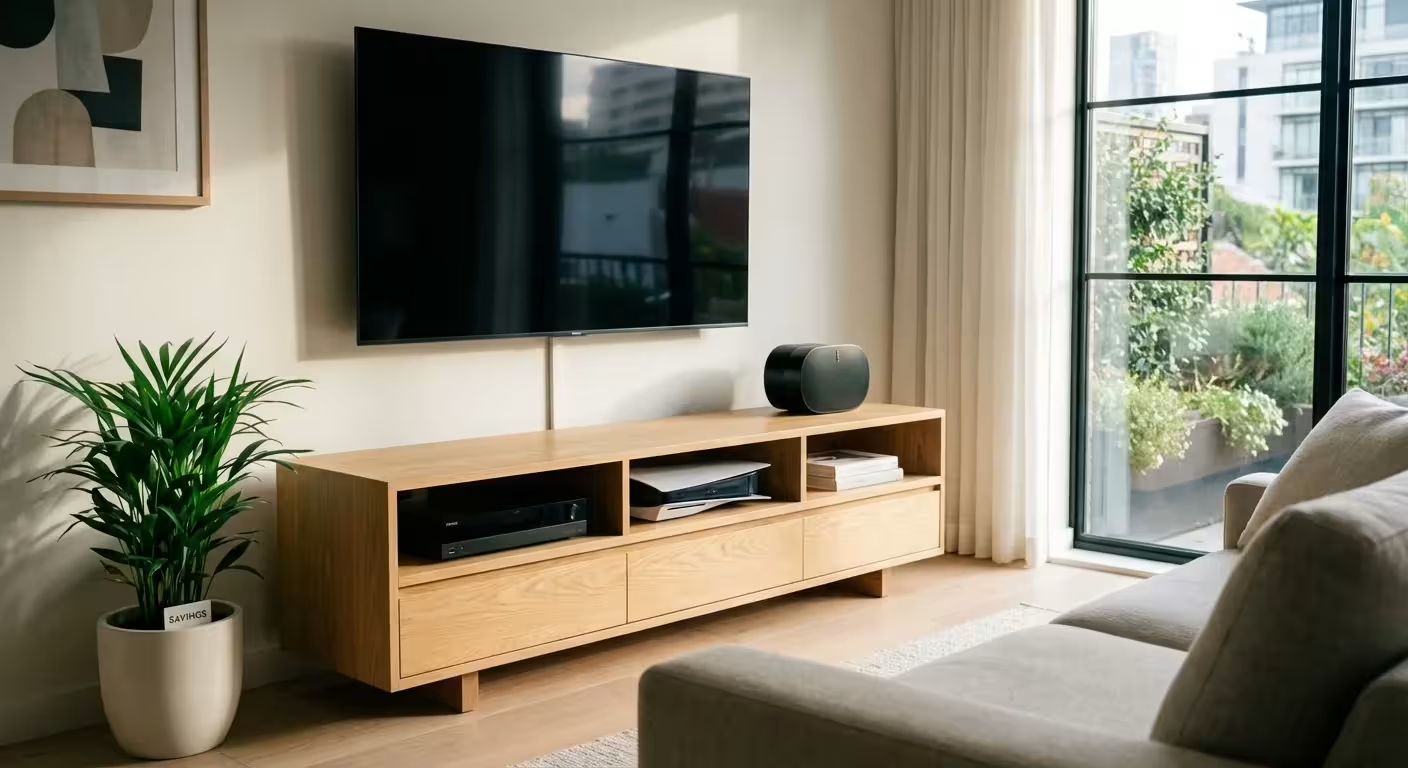
Not all vampires are created equal. Some devices are mere gnats, drawing negligible power, while others are “power hogs” that demand significant energy even when you aren’t using them. Identifying these high-draw culprits is the first step toward meaningful savings. The table below outlines typical standby wattage for common household items and the estimated annual cost of leaving them plugged in 24/7.
| Device | Average Standby Wattage | Estimated Annual Cost (Standby) |
|---|---|---|
| DVR / Cable Box | 25W – 45W | $35 – $60 |
| Desktop Computer (Sleep Mode) | 15W – 25W | $20 – $35 |
| Video Game Console (Rest Mode) | 10W – 15W | $15 – $25 |
| Older Television (CRT or Plasma) | 5W – 10W | $8 – $15 |
| Laptop (Plugged in, Fully Charged) | 3W – 5W | $5 – $8 |
| Smart Speakers (Echo / Google Home) | 2W – 4W | $3 – $6 |
| Microwave (Clock and Sensors) | 3W – 4W | $4 – $6 |
As you can see, the digital video recorder (DVR) is often the most aggressive vampire in the house. Because these units constantly communicate with satellite or cable providers to update guide data and record scheduled shows, they rarely truly “power down.” Keeping a DVR plugged in for a year can cost as much as running a small refrigerator for several months.

Room-by-Room Audit: Finding Your Hidden Costs
To maximize your $150 savings, you must conduct a thorough audit of your living space. Walk through your home and look for any device with a remote control, an external power brick (the “wall wart”), or a continuous display. These are your primary targets.
The Living Room: The Entertainment Hub
The entertainment center is usually the epicenter of phantom loads. Between the 4K TV, the soundbar, the gaming console, and the streaming device, you could be losing $5 to $10 every month just to keep these devices on standby. Game consoles, such as the PlayStation 5 or Xbox Series X, are particularly notorious. When set to “Instant-On” or “Rest Mode,” they remain connected to the internet to download updates. While convenient, this convenience costs you roughly $20 per year per console. Switching these to “Full Shutdown” mode in the settings menu is an immediate win.
The Home Office: The Peripheral Problem
Your home office is likely cluttered with energy-saving opportunities. Printers are a classic example; they stay in a “warm” state to ensure the ink heads don’t clog and to respond instantly to wireless print jobs. If you only print once or twice a week, that printer is wasting energy for 166 hours out of every 168 in a week. Monitors, docking stations, and powered desk lamps also contribute to the crawl of your electric meter.
The Kitchen: Small Appliances, Small Leaks
While the refrigerator is a necessary constant draw, other kitchen gadgets do not need to be. The coffee maker with the programmable timer, the microwave clock you never look at, and the toaster with the digital display all contribute to the phantom load. While these are smaller draws, they are the easiest to manage because they are usually within arm’s reach on your counter.
Practical Strategies to Kill the Phantoms
You do not need to live in the dark or constantly crawl behind furniture to save money. Efficiency is about working smarter, not harder. Use these three tiers of intervention to eliminate vampire power based on your lifestyle.
1. The Manual Unplug
The simplest method is also the most effective: pull the plug. This is ideal for devices you use infrequently. Do you have a guest bedroom television that gets used twice a year? Unplug it. Does your kitchen have a blender or food processor that sits idle most of the week? Unplug it. This costs zero dollars and guarantees zero energy consumption.
2. Power Strips: The Master Switch
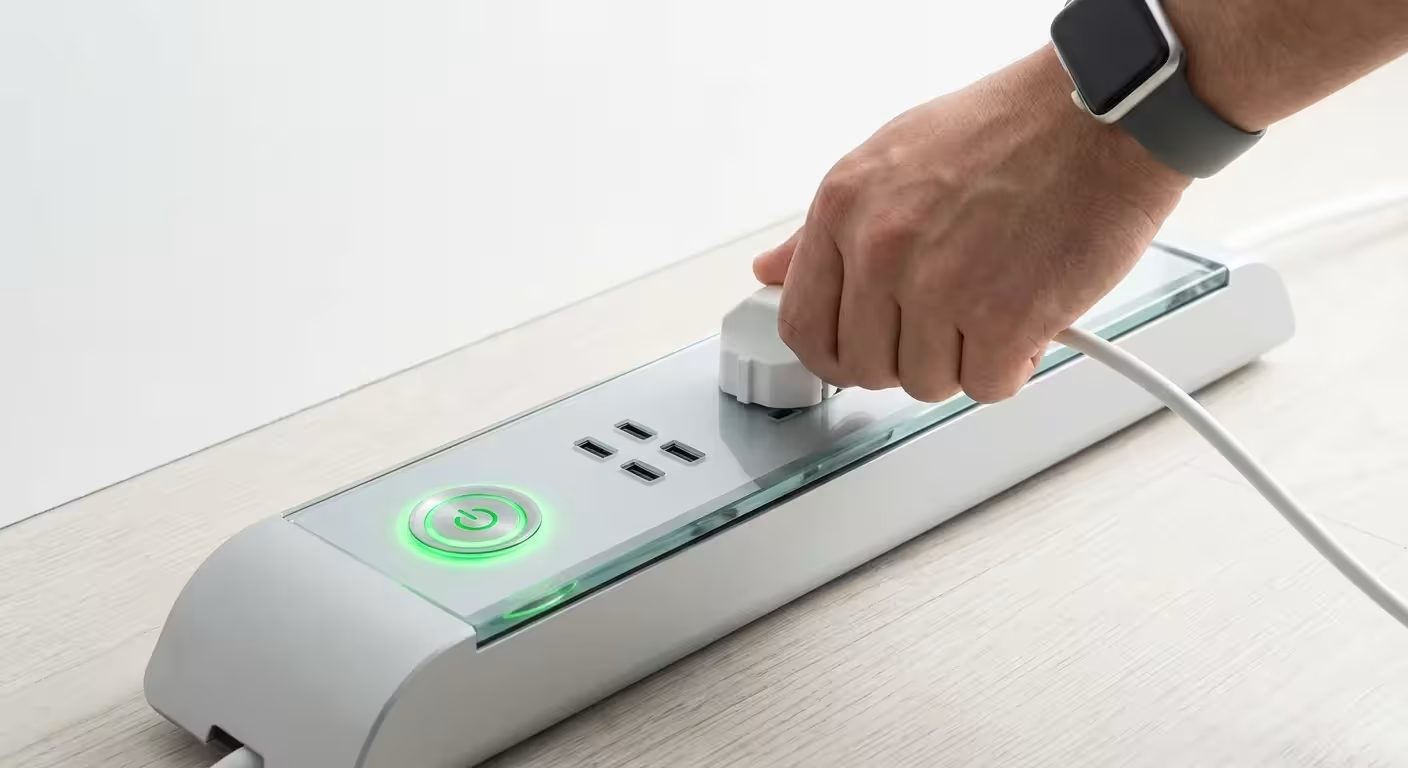
Grouping electronics onto a single power strip allows you to kill multiple vampires with one click. This is highly effective for computer setups or entertainment centers. When you finish your workday, flip the switch on the power strip to cut power to your monitor, printer, and speakers simultaneously. This “hard off” state ensures no electricity reaches the devices.
3. Energy Saving Gadgets: Smart Solutions
If you find manual switching tedious, invest in energy saving gadgets designed to do the work for you. Smart power strips are a game-changer. These strips usually feature three types of outlets:
- Always-On Outlets: For devices that need constant power, like your router or DVR.
- Master Outlet: This controls the “secondary” outlets. You plug your TV or computer here.
- Controlled/Slave Outlets: When the device in the master outlet is turned off, the strip automatically cuts power to these outlets.
Imagine plugging your TV into the master outlet and your DVD player, soundbar, and gaming console into the slave outlets. When you turn off the TV, the strip detects the drop in wattage and kills power to everything else. This automation ensures you save money every single night without thinking about it.

When It’s Worth Paying: Investing in Efficiency
While cutting phantom loads is about behavior and small gadgets, sometimes the best way to save is to replace aging tech. If you are using a television or computer monitor from 2010, its standby draw is likely significantly higher than a modern equivalent. When shopping for new appliances, look for the ENERGY STAR label.
ENERGY STAR certified products are required to meet strict efficiency guidelines set by the EPA. For example, an ENERGY STAR certified TV consumes an average of 25% less energy than a non-certified model—both when it is on and when it is in standby mode. If you are replacing a major appliance like a dishwasher or washing machine, the long-term energy savings will often pay for the price premium of a more efficient model within a few years.

Don’t Fall For These: Common Energy Myths
As you look to reduce your bill, avoid these common misconceptions that can lead to frustration or wasted effort:
- Myth: Turning things off and on damages the hardware. Modern electronics are designed to handle tens of thousands of power cycles. Unless you are toggling a switch every five minutes, you will not shorten the lifespan of your devices by cutting power at night.
- Myth: Screensavers save energy. This was true for old “burn-in” issues on CRT monitors, but modern screensavers actually use more energy because they keep the processor and display active. Always use “sleep” mode or turn the monitor off entirely.
- Myth: Chargers only use power if a phone is attached. While the draw is small, “wall warts” contain transformers that use electricity as long as they are plugged into the wall. If the brick feels warm to the touch, it is consuming power.

How to Measure Your Savings
If you want concrete proof of your progress, buy a simple plug-in energy monitor, often called a “Kill A Watt” meter. These devices cost around $20 to $30 at most hardware stores or online retailers like Consumer Reports recommended shops. You simply plug the meter into the wall and then plug your device into the meter. It will display exactly how many watts that device pulls in real-time.
Use this tool to audit your home over a weekend. You might discover that your old “energy-efficient” space heater actually pulls 10 watts even when the heating element is off, or that your laptop docking station is a much bigger vampire than you realized. Seeing the numbers on a screen makes the cost of your habits tangible and motivates you to make changes.

The Long-Term Impact of Intentional Spending
Saving $150 a year may not seem like a life-changing sum in isolation. However, personal finance is built on the foundation of intentionality. When you address vampire power, you aren’t just saving $12.50 a month; you are training yourself to notice where your money is leaking.
If you take that $150 in annual savings and apply it to a high-interest debt or drop it into a low-cost index fund, the impact compounds over time. After ten years of simply flipping a few power strips, you could have nearly $2,000 extra in your retirement account, assuming a modest 6% return. It is not about being “cheap”—it is about ensuring your hard-earned money goes toward things you actually value, rather than powering a clock on a microwave you haven’t looked at in three years.

Your First 24-Hour Action Plan
You can start reclaiming your $150 today with these three immediate steps:
- The Nightly Sweep: Before bed tonight, walk through your living room and kitchen. Unplug any device that has a visible clock or a standby light that you don’t need overnight.
- The Console Check: Open the settings on your gaming consoles. Change the power mode from “Rest” or “Standby” to “Energy Saver” or “Full Shutdown.”
- The Power Strip Order: Identify your most cluttered outlet (usually the TV or computer) and order a smart power strip. This $25 investment will likely pay for itself in less than six months.
By taking control of your home’s phantom load, you stop the invisible drain on your finances. You gain the satisfaction of knowing your home is running as efficiently as possible, and you get to keep that $150 in your own pocket where it belongs.
The savings estimates in this article are based on typical costs and may differ in your area. Always compare current prices and consider your household’s specific needs.
Last updated: February 2026. Prices change frequently—verify current costs before purchasing.









Leave a Reply