
You stand in the middle of a big-box retailer, staring at a wall of sleek, white boxes promising to “revolutionize” your home. One box claims it will slash your electric bill; another promises to prevent a flood while you sleep. You want to save money, but you also know that “smart” often translates to “expensive.” The temptation to turn your house into a futuristic hub is strong, yet the fear of wasting $200 on a glorified remote control keeps your wallet in your pocket.
The reality of smart home savings often hides behind layers of marketing hype. While some devices pay for themselves within a year, others function as expensive toys that actually drain more power than their “dumb” counterparts. To navigate this landscape, you must distinguish between the gadgets that offer genuine energy efficient tech and those that simply add a Wi-Fi chip to a toaster for no practical reason. Making every dollar count means looking past the glowing LEDs and focusing on the return on investment (ROI).
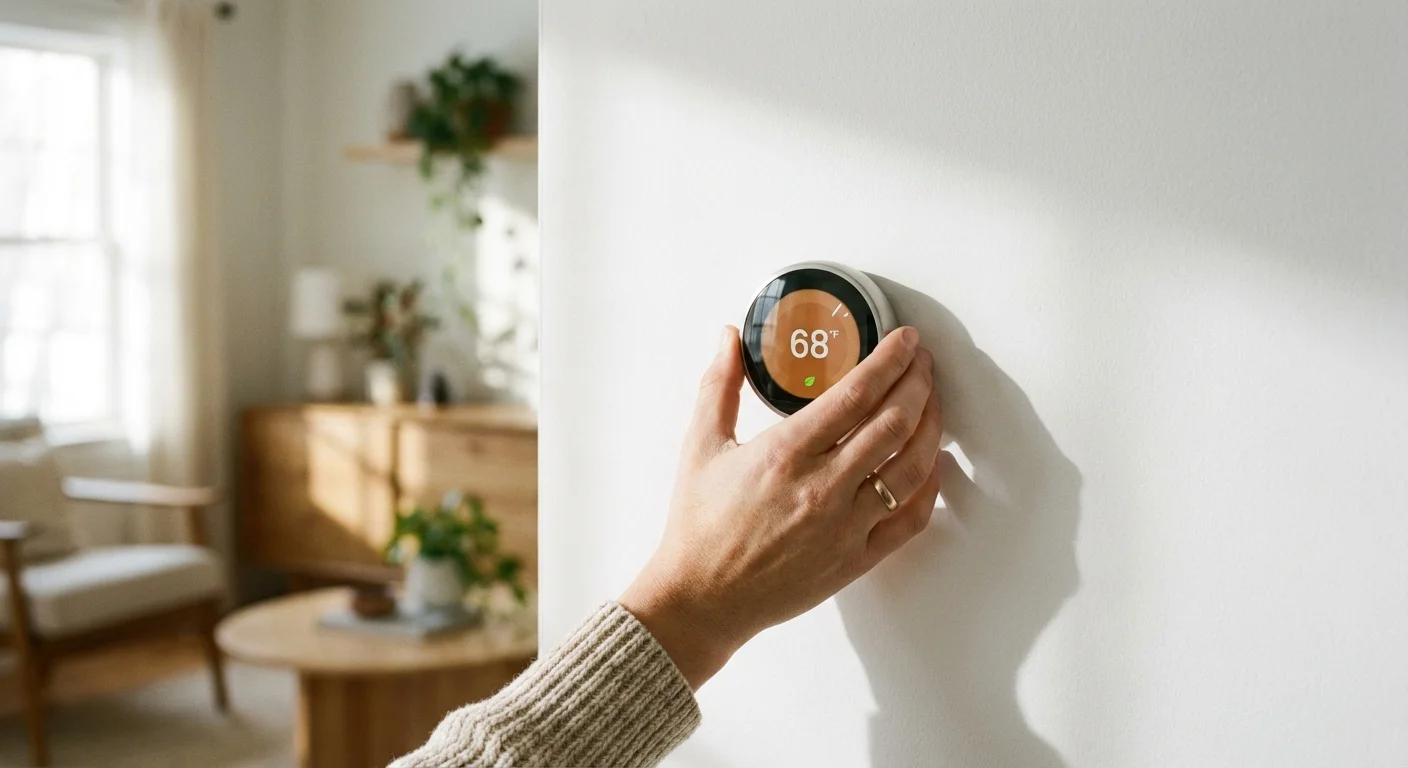
The Undisputed King of ROI: Smart Thermostats
If you choose only one piece of smart technology to install this year, make it a smart thermostat. According to ENERGY STAR, certified smart thermostats can save you about 8% on your annual heating and cooling costs. For the average American household spending $2,000 a year on energy, that is a $160 annual return. Considering many high-end models cost around $150 to $200, the device pays for itself in roughly 12 to 18 months.
The real value lies in automation rather than manual control. Most people intend to turn down the heat before leaving for work or going to bed; however, human error frequently gets in the way. A smart thermostat uses geofencing—sensing your phone’s location—to lower the temperature automatically when you cross a certain radius from your home. It learns your habits and adjusts the climate based on whether you are actually in the room, ensuring you never pay to heat an empty house.
You should look for models that offer “demand response” programs. Many utility companies provide rebates—sometimes up to $100—just for installing a smart thermostat and agreeing to let the utility slightly adjust your temperature during peak load events. This essentially makes the hardware free and starts your savings journey on day one.
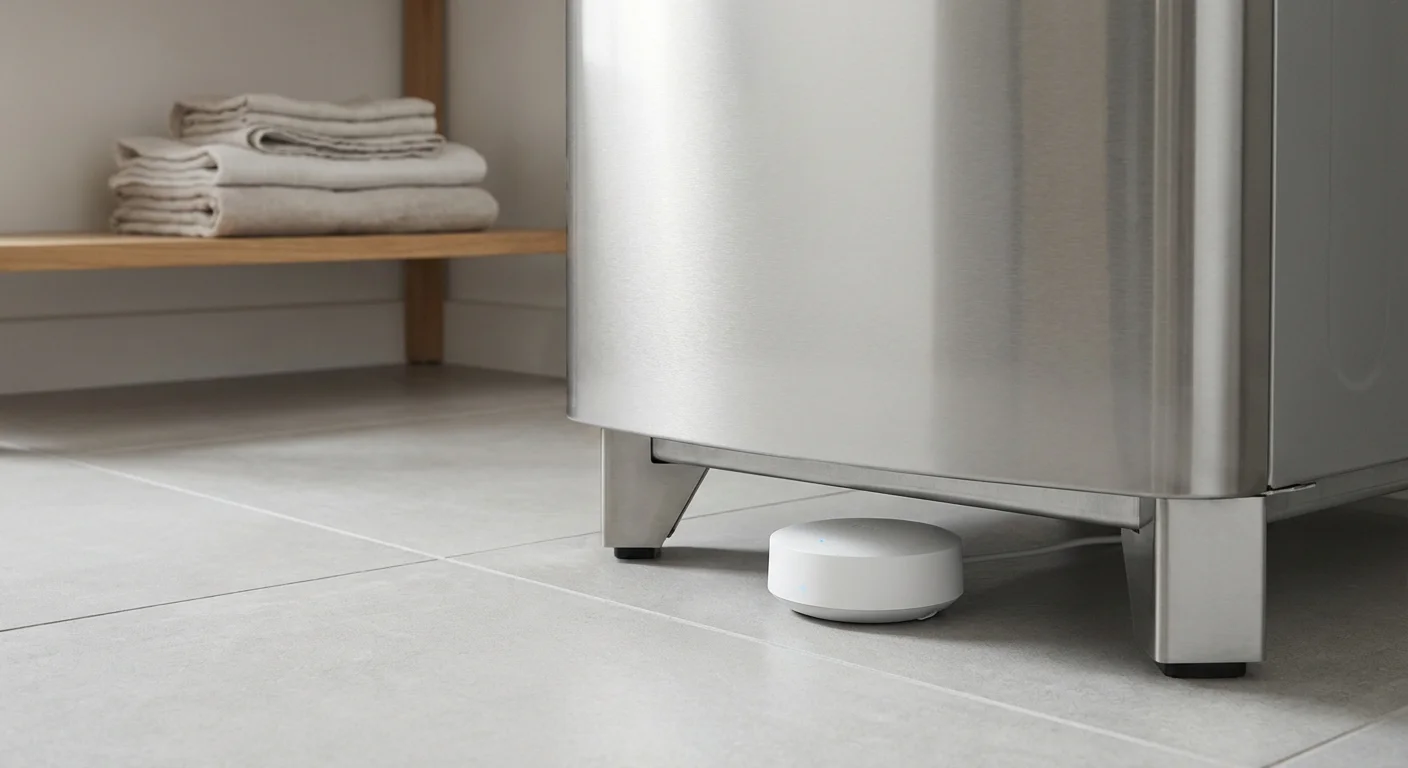
Protecting Your Equity with a Smart Leak Detector
While energy savings grab the headlines, the most significant “bill” you might ever face is a $10,000 deductible for a burst pipe. The EPA WaterSense program notes that the average household’s leaks can account for nearly 10,000 gallons of water wasted every year. Even a small, undetected pinhole leak in a basement wall can lead to massive mold remediation costs and sky-high water bills.
A smart leak detector acts as a silent sentry near your water heater, washing machine, or under the kitchen sink. These devices range from simple sensors that chime when they get wet to sophisticated whole-home shut-off valves. A basic sensor might cost $40, while a professional-grade shut-off system like those reviewed by Wirecutter can cost $500 or more.
Think of this as an insurance policy rather than a monthly energy saver. If a smart leak detector catches a failing water heater at 2:00 AM, you save the cost of replacing your flooring, furniture, and drywall. Furthermore, many homeowners’ insurance providers offer discounts on your premium if you have a monitored leak detection system installed. You should call your agent and ask if they provide a credit for these devices; the discount alone often covers the cost of the hardware over three to five years.

Smart Lighting: Savings or Just Convenience?
Lighting is where many homeowners fall into a “savings trap.” You might see a “Smart Starter Kit” with four bulbs for $80 and think you are being environmentally conscious. However, a standard, high-quality LED bulb currently costs about $2 and uses almost the same amount of electricity as the smart version. To justify the $18 price difference per bulb, that smart light needs to do more than just change colors for a party.
Smart lighting provides real savings in only two scenarios:
- Outdoor Security: Using a smart switch or bulb to ensure your porch lights are off during daylight hours. A light left on all day, every day, can cost you $15-$20 a year in unnecessary electricity.
- Hard-to-Reach Areas: If you frequently leave lights on in the attic, garage, or basement because the switch is inconvenient, a motion-sensing smart bulb can ensure those lights stay off when the room is empty.
For most rooms, you are better off buying “dumb” LEDs and pairing them with a simple, non-Wi-Fi motion sensor or a manual timer. If you want smart control for the whole room, install a smart wall switch instead of individual smart bulbs. One $40 switch can control 10 “dumb” bulbs, saving you $150 compared to buying 10 individual smart bulbs.
“Beware of little expenses; a small leak will sink a great ship.” — Benjamin Franklin

Smart Plugs and the War on Phantom Power
Your television, microwave, and coffee maker are never truly “off.” They sit in a standby mode, waiting for a signal from a remote or a button press. This “phantom load” or “vampire power” can account for up to 10% of your monthly electric bill. You might think a smart plug is the solution, but you must do the math first.
A smart plug consumes about 1 watt of electricity just to stay connected to your Wi-Fi. If the device you are trying to “turn off” only uses 2 watts in standby mode, you are only net-saving 1 watt. You would have to use that smart plug for decades to pay off its $15 purchase price. However, for older electronics like desktop computers, gaming consoles, or specialized audio equipment that might draw 10-20 watts even when “off,” a smart plug is a viable tool. You can set a schedule to kill the power completely between 11:00 PM and 7:00 AM, effectively cutting that energy drain to zero.

Comparison Table: Real Cost vs. Estimated Savings
The following table outlines the typical investment and expected return for popular smart home categories based on average American utility rates.
| Device Type | Estimated Upfront Cost | Annual Savings Estimate | Time to Break Even |
|---|---|---|---|
| Smart Thermostat | $130 – $250 | $100 – $180 | 1 – 2 Years |
| Smart Leak Detector (Basic) | $35 – $60 | $500+ (Avoided Damage) | Instant (upon leak) |
| Smart Sprinkler Controller | $120 – $200 | $40 – $100 (Water Bill) | 2 – 3 Years |
| Smart Plugs | $10 – $25 | $2 – $10 | 3 – 8 Years |
| Smart Lighting (Whole Switch) | $35 – $50 | $5 – $15 | 3 – 5 Years |
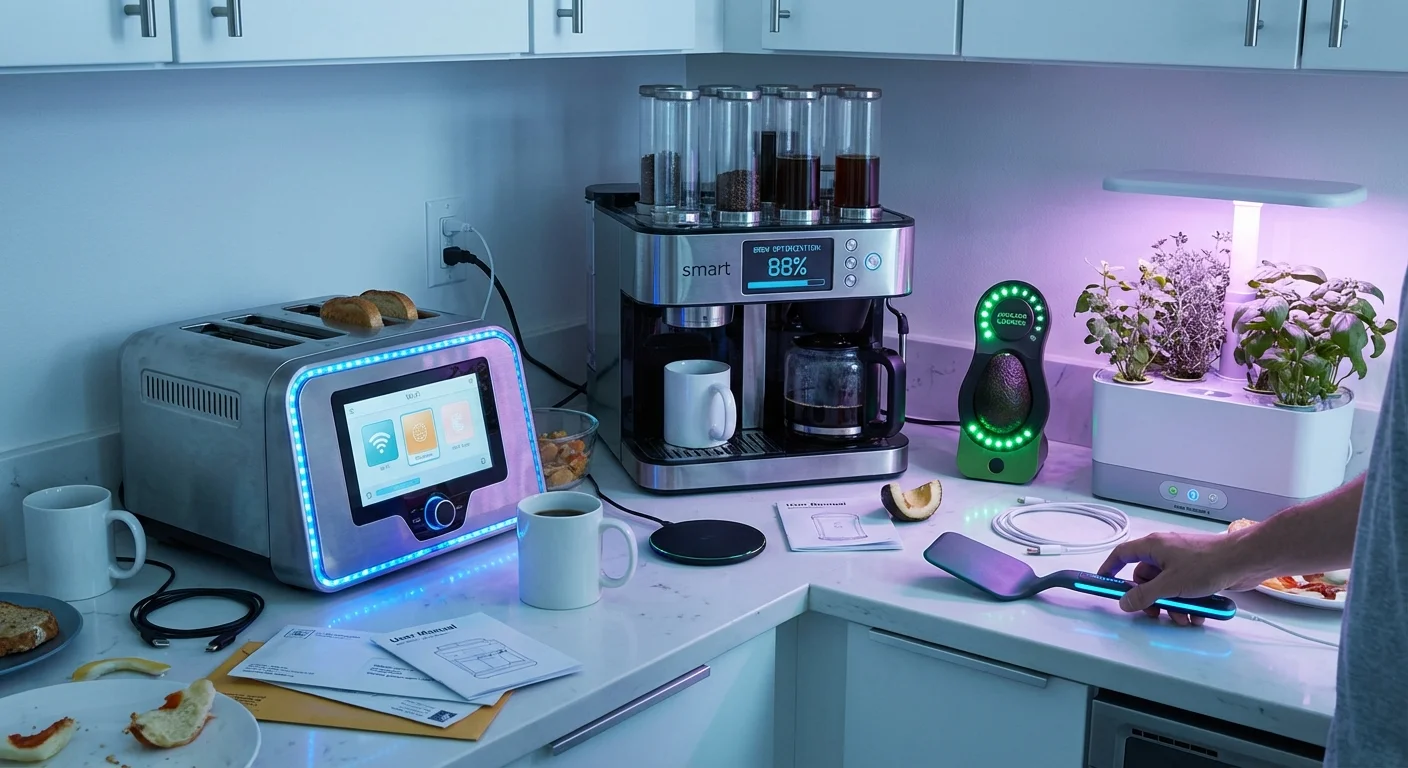
The “Gimmick Hall of Fame”: Tech to Avoid
Not everything with an app is an investment. In fact, some smart devices are actively worse for your budget because they introduce more points of failure and higher repair costs. Avoid these high-cost, low-value “upgrades”:
Smart Refrigerators: Paying an extra $500 to $1,000 for a screen on your fridge is rarely worth it. The tablet hardware will be obsolete in five years, long before the compressor dies. Use a $10 magnetic whiteboard for your grocery list instead.
Smart Appliances (Washers/Dryers): While getting a notification that your laundry is done is convenient, it doesn’t save money. A high-efficiency “dumb” washer saves the same amount of water and electricity as a smart one but costs hundreds less and has fewer circuit boards that can fry during a power surge.
Smart Window Blinds: Unless you have 20-foot windows that are impossible to reach, the $300-per-window price tag for motorized smart blinds is a luxury, not a savings tool. You can achieve the same thermal benefits by manually closing your $20 curtains during the hottest part of the summer day.

DIY vs. Professional Installation
Your potential savings disappear if you spend $300 on a professional electrician to install a $150 device. Fortunately, most smart home savings tech is designed for the average homeowner.
When to DIY:
- Thermostats: If your home has a “C-wire” (common wire), swapping a thermostat takes 15 minutes and a screwdriver. Most modern kits include detailed video guides.
- Leak Detectors: Battery-powered sensors require zero tools. You simply place them on the floor.
- Smart Plugs and Bulbs: These are “plug and play.” If you can set up a smartphone, you can set these up.
When to Call a Professional:
- Whole-Home Shut-off Valves: These require cutting into your main water line. Unless you are a confident plumber, pay a pro to ensure you don’t end up with a basement full of water.
- Smart Switches: If your home was built before 1980, your electrical boxes may lack a neutral wire, or you may encounter cramped, confusing wiring. Working with high-voltage electricity carries a risk of fire or injury if handled incorrectly.

Savings Killers: How Smart Tech Can Cost You More
Technology only saves you money if you use it intentionally. Avoid these common pitfalls that turn “savers” into “spenders”:
Over-automation: If you set your smart lights to turn on whenever motion is detected, but you have a large dog that wanders at night, your lights may be on more often than when you used a manual switch. Fine-tune your sensitivity settings.
Subscription Creep: Many smart cameras and security systems require a monthly cloud storage fee of $5 to $15. A “cheap” $30 camera that requires a $100-per-year subscription is a financial drain. Look for devices with local storage options (like an SD card slot) to keep your ongoing costs at zero.
The “Cool Factor” Drain: Adding 50 smart devices to your home network can actually put a strain on your router, potentially leading you to upgrade your internet hardware or plan before you actually need to. Each device draws a small amount of “idle” power. If you have 100 smart gadgets each drawing 1 watt, you are burning 100 watts 24/7—the equivalent of leaving a bright old-fashioned incandescent bulb on in every room of the house.
Frequently Asked Questions
Does a smart thermostat work with older HVAC systems?
Most do, provided you have a 24V system. However, very old systems or high-voltage baseboard heaters require specific “Line Voltage” smart thermostats. Always check the compatibility checker on the manufacturer’s website before buying.
Are smart home devices a security risk?
Any device connected to the internet has potential vulnerabilities. To stay safe and protect your data, use two-factor authentication on all smart home apps and keep your device firmware updated. The Federal Trade Commission (FTC) provides excellent resources on securing your “Internet of Things” devices.
Will a smart sprinkler system actually lower my water bill?
Yes, if it uses local weather data. Smart controllers like those from Rachio or Orbit skip watering cycles if it rained yesterday or is forecast to rain today. This can reduce outdoor water use by up to 50%, which is substantial during the summer months.
Can I take my smart devices with me if I move?
Yes, but it is often better to leave “fixed” items like thermostats and switches as they can increase your home’s resale value. Portable items like smart plugs, leak sensors, and bulbs can be easily factory-reset and moved to your new residence.
Taking Your First Step Toward Smart Savings
Don’t try to automate your entire house in a single weekend. The most effective way to lower your bills is to target the largest expenses first. Start by checking your utility company’s website for rebates on smart thermostats. Often, you can find a top-tier model for under $50 after incentives. Once that is installed, place a few inexpensive leak detectors near your older appliances to prevent a catastrophic repair bill.
By focusing on intentional upgrades rather than gimmicky gadgets, you turn your home into a tool for financial stability. Real smart home savings aren’t about having a house that talks to you; they are about having a house that works silently in the background to keep more of your hard-earned money in your bank account.
This article provides general money-saving guidance. Individual results vary based on location, household size, and spending patterns. Verify current prices and utility rebate eligibility before making purchasing decisions.
Last updated: February 2026. Prices change frequently—verify current costs before purchasing.









Leave a Reply