
You probably think you spend about $80 a month on subscriptions. Most Americans do. However, when researchers actually look at the bank statements, the real number often climbs toward $219 per month. This gap between what we think we spend and what we actually lose to “zombie subscriptions” is exactly what Rocket Money targets. If you feel like your bank account has a dozen small leaks—that $12 streaming service you never watch, the gym membership you haven’t used since January, or the cloud storage you forgot you upgraded—you are the prime candidate for this app.
Managing money in a digital economy requires more than just a spreadsheet; it requires a tool that talks to your bank in real-time. Formerly known as Truebill, Rocket Money has rebranded and expanded its toolkit to include everything from automated savings to bill negotiation. But as the app grows, so does its price tag. To access the features that actually save you money, you usually have to pay a monthly subscription fee. This creates a paradox: Does it make sense to pay for a subscription to help you cancel subscriptions?
This review breaks down the Rocket Money cost, evaluates the “cancel subscriptions app” features, and explores whether the bill negotiation service actually delivers on its promises. We will look at the data, the user experience, and the cold, hard math to see if this tool deserves a place on your home screen.

The Hidden Epidemic of Subscription Creep
Subscription creep happens slowly. It starts with a seven-day free trial for a workout app. Then, you add a premium music service to avoid ads. Next comes the “member-only” shipping discount on a favorite retail site. Individually, these charges feel insignificant—they are often priced below the “pain threshold” of $15. However, collectively, they represent a significant portion of your discretionary income.
According to the Consumer Financial Protection Bureau (CFPB), monitoring recurring charges is one of the most effective ways to regain control over a household budget. Rocket Money functions as a centralized command center for these charges. By linking your bank accounts via Plaid—a secure middleman used by most major financial apps—Rocket Money scans your transaction history to identify recurring patterns. It then presents these to you in a simple list, showing you exactly how much you spend on each service annually. Seeing “Netflix: $180/year” often hits harder than seeing “$14.99” on a monthly statement.
“Beware of little expenses; a small leak will sink a great ship.” — Benjamin Franklin
How Much Does Rocket Money Cost?
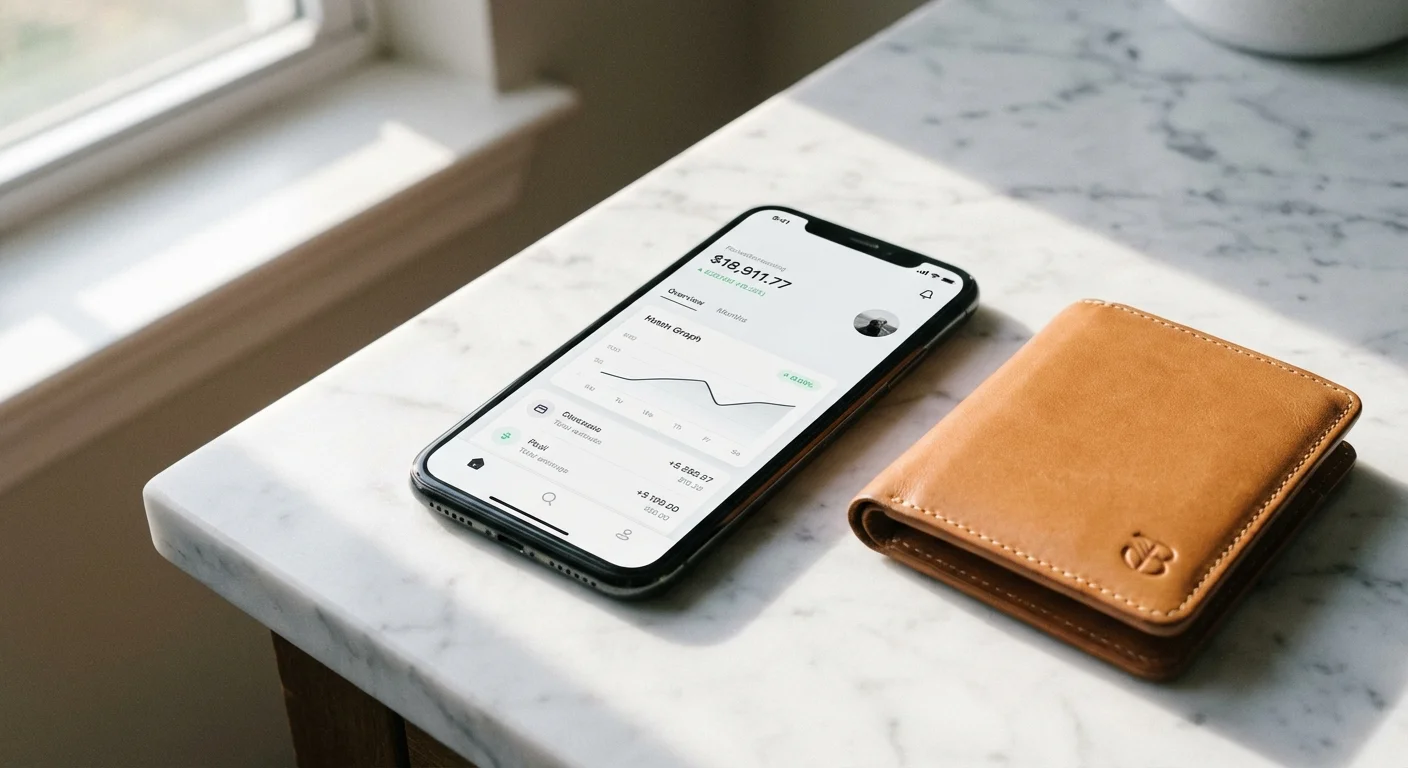
Rocket Money uses a “pay what you want” model for its premium tier, ranging from $5 to $12 per month. If you choose to pay annually, the cost typically sits around $60 per year. While there is a free version of the app, it is quite limited. The free tier allows you to link one account and see your subscriptions, but it won’t cancel them for you, and it doesn’t include the more advanced budgeting tools.
To get the most value, you generally need the Premium subscription. This unlock includes:
- Subscription Cancellation: The concierge service that handles the cancellation process for you.
- Custom Categories: The ability to organize your spending beyond the app’s basic presets.
- Net Worth Tracking: A bird’s-eye view of your assets and liabilities.
- Smart Savings: An automated tool that moves small amounts of money into a savings account when the app thinks you won’t notice.
- Real-time Credit Reports: Ongoing monitoring of your credit score and history.
The “bill negotiation” feature is handled differently. Even if you are a Premium subscriber, Rocket Money takes a “success fee” if they successfully lower one of your bills. They typically charge between 30% and 60% of the first year of savings. If they don’t save you money, you don’t pay anything extra.

Evaluating the Cancel Subscriptions App Feature
The core appeal of Rocket Money is its “concierge” cancellation service. When you find a subscription you no longer want, you simply tap a button, and Rocket Money’s team attempts to cancel it on your behalf. For services with easy online portals, this happens almost instantly. For notoriously difficult services—like certain gyms or newspapers that require you to call a retention specialist—Rocket Money’s team handles the headache.
Does it always work? Not perfectly. Some companies require a physical signature or a “verified” phone call that a third party cannot perform. However, for about 80% of common digital subscriptions, the app handles the “breakup” effectively. This is particularly useful for those who suffer from “phone anxiety” or simply don’t have twenty minutes to wait on hold with a cable company’s retention department.
The Federal Trade Commission (FTC) has recently proposed “click-to-cancel” rules to make it easier for consumers to opt out of recurring charges. Until those rules are fully enforced across all industries, apps like Rocket Money serve as a necessary shield against predatory subscription practices.

Can Bill Negotiation Save You Real Cash?
Rocket Money identifies bills that are often negotiable, such as cell phone plans (Verizon, AT&T, T-Mobile), internet services (Comcast/Xfinity, Spectrum), and home security systems. You provide the app with a copy of your latest bill or your account credentials, and their negotiators call the provider to ask for a lower rate or a “loyalty discount.”
This is where the math gets interesting. Suppose Rocket Money successfully lowers your internet bill by $20 a month. Over a year, that is $240 in savings. If you agreed to a 40% success fee, you would owe Rocket Money $96 upfront. You are still $144 richer than you would have been, but you have to decide if that $96 “finder’s fee” is worth the time you saved by not making the call yourself.
If you are a skilled negotiator who doesn’t mind spending 45 minutes on the phone every six months, you can do this for free. If you find the prospect of arguing with a customer service agent about “promotional rates” to be a special kind of torture, the fee is a small price to pay for professional results.
Comparing the Options: Rocket Money vs. The Field
Rocket Money isn’t the only player in the personal finance space. Depending on your goals—whether you want a hardcore budgeting tool or just a way to kill off old subscriptions—you might consider other alternatives. Below is a comparison of how Rocket Money stacks up against its primary competitors.
| Feature | Rocket Money | Copilot | Monarch Money | DIY (Manual) |
|---|---|---|---|---|
| Primary Focus | Subscription management & bill negotiation | High-end UX & investment tracking | Comprehensive household budgeting | Total control & zero cost |
| Cost | $5–$12/mo (sliding scale) | $13/mo or $95/year | $14.99/mo or $99/year | Free |
| Bill Negotiation | Yes (Success fee applies) | No | No | Yes (If you call) |
| Subscription Cancellation | Yes (Concierge service) | Manual reminders | Manual reminders | Manual |
| Difficulty | Very Low | Medium | Medium | High (Time-consuming) |

DIY vs. Professional Management
Is the Rocket Money cost justified when you could technically do everything yourself for free? The answer depends on your personality and your schedule. This is the classic “Time vs. Money” trade-off that defines much of personal finance.
When to go DIY:
If you have a simple financial life with only three or four recurring bills, you don’t need an app. You can spend 15 minutes once a month reviewing your bank statement, highlighting recurring charges, and canceling them manually. For bill negotiations, you can call your providers directly. Using a script like, “I am looking at my budget and considering switching to a competitor; is there any way we can lower my current rate?” often yields the same results as a professional negotiator.
When to use Rocket Money:
If you have multiple bank accounts, several credit cards, and a feeling that money is “vanishing” each month, the professional help is invaluable. Rocket Money excels at aggregation. It pulls data from your Chase credit card, your local credit union, and your Venmo account into one place. If you are a busy professional or a parent who barely has time to sleep, let alone argue with an ISP, paying the $5–$12 monthly fee is a logical investment in your peace of mind.

Savings Killers: The Mistakes Rocket Money Finds
Even if you think you are “on top of it,” Rocket Money often uncovers “savings killers” that slip through the cracks. These are the most common financial leaks the app identifies for users:
- The “Ghost” Insurance: Many people pay for “equipment protection” on their cell phone bills or “identity theft protection” that is already provided for free by their credit cards.
- Double-Subscribing: It is surprisingly common to pay for a service through an app store (like Apple or Google) while also paying the service directly. Rocket Money flags these duplicates.
- The Pandemic Hangover: Many users are still paying for digital subscriptions they signed up for in 2020—meditation apps, premium news sites, or specialty streaming services—that they no longer use.
- Forgotten Free Trials: The “sign up and cancel later” strategy fails when “later” never comes. Rocket Money identifies these trials before the second or third month of charges hit.

Security and Privacy Considerations
Whenever you give an app access to your bank accounts, security is the top priority. Rocket Money uses bank-level encryption (AES-256) and relies on Plaid to connect to your financial institutions. Plaid is the industry standard, used by millions of people to connect apps like Venmo or Betterment to their banks. Rocket Money never “sees” your login credentials; they only receive a read-only token that allows them to view transaction data.
However, you should be aware that Rocket Money is owned by Rocket Companies (the same people behind Rocket Mortgage). While they don’t “sell” your data in the traditional sense, they do use your financial profile to recommend other products, like refinancing your home or getting a personal loan. If you are sensitive to targeted financial offers, this might be a drawback for you.
Frequently Asked Questions
Will Rocket Money hurt my credit score?
No. Using the app to track spending or cancel subscriptions has no impact on your credit score. If you use their credit monitoring feature, it performs a “soft pull,” which does not lower your score. The only potential impact is if you cancel a very old credit card account (which isn’t what Rocket Money does—they cancel services, not accounts), or if a bill negotiation leads to a change in a contract that you then fail to pay.
Can I cancel the Rocket Money subscription easily?
Ironically, yes. Rocket Money makes it relatively simple to cancel their own Premium service within the app settings. They don’t subject you to the same “cancellation hell” they help you avoid with other companies.
Is the bill negotiation fee negotiable?
Usually, no. The percentage you agree to when you submit a bill for negotiation is a set part of their service agreement. However, you can choose the percentage (within a range) during the setup process for each negotiation.
Do I have to give them my bank login?
You do not give Rocket Money your login directly. You use the Plaid interface to log into your bank, which then grants Rocket Money permission to see your transactions. It is a secure, standard practice in fintech.
Strategic Verdict: Is it Worth It?
Rocket Money is worth the subscription fee if you are currently losing more than $10 a month to subscriptions you don’t use. For the average American, the answer is a resounding yes. If the app finds just one forgotten $15/month streaming service and cancels it for you, the app has paid for its own annual subscription in four months.
However, the value diminishes if you are already highly disciplined. If you use a zero-based budget and review every transaction manually, Rocket Money becomes a redundant expense. It is a tool for the “mostly organized” person who wants to reach the next level of financial efficiency without spending hours on administrative tasks.
To get started, don’t just take the app’s word for it. Download the free version, link your primary checking account, and look at the “Recurring” tab. If you see more than two things that make you say, “Wait, am I still paying for that?” then the Premium subscription is likely a smart move for your wallet.
The savings estimates in this article are based on typical costs and may differ in your area. Always compare current prices and consider your household’s specific needs.
Last updated: February 2026. Prices change frequently—verify current costs before purchasing.









Leave a Reply