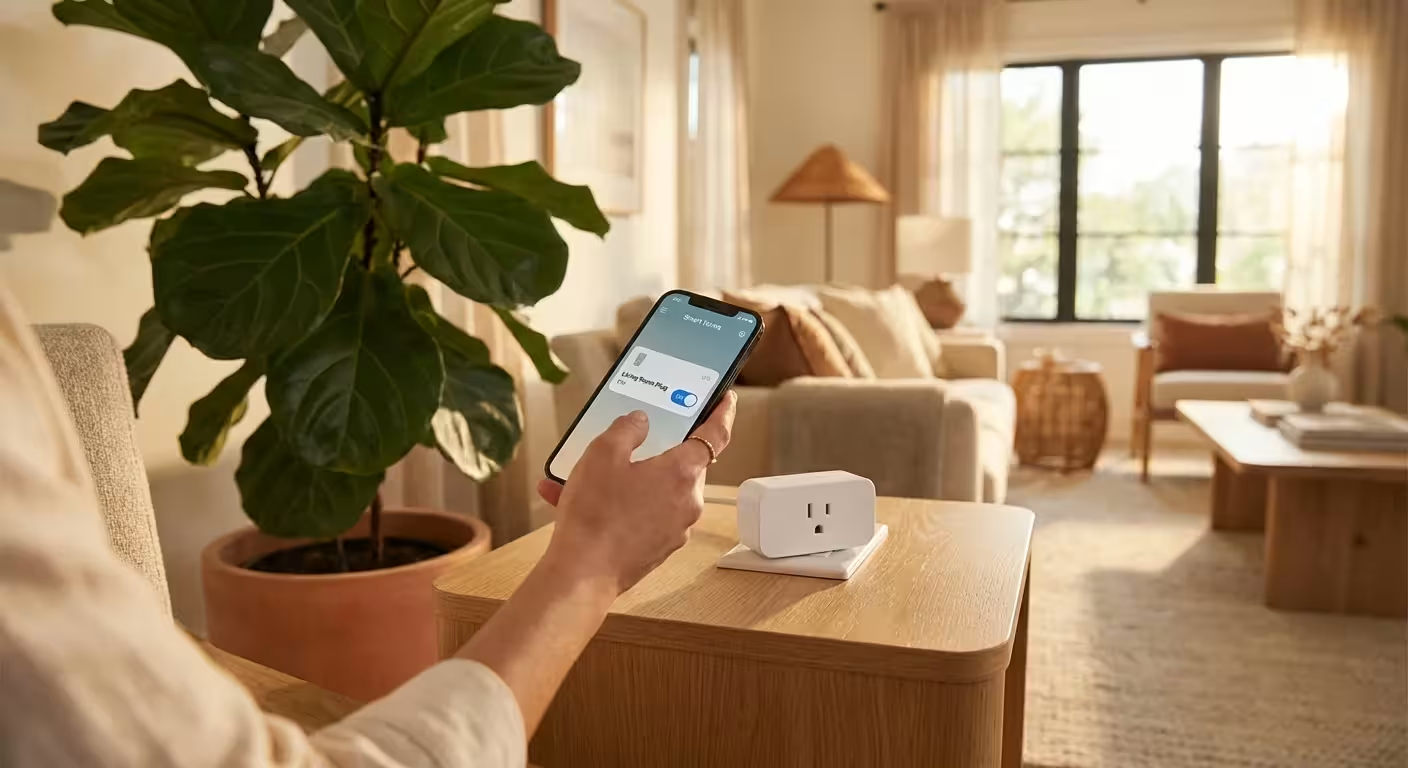
You probably walk through your home every night, flipping off light switches and thinking you have successfully shut down for the evening. However, even in the dark, your house is likely “breathing” electricity. Modern appliances never truly sleep; they linger in a state of constant readiness, waiting for a remote signal or maintaining a digital clock. This phenomenon, known as phantom power or standby power, accounts for roughly 5% to 10% of the average residential energy bill. For many American households, that translates to roughly $240 a year—or a steady $20 every single month—leaking out of your wallet for energy you never actually used.
Stopping this leak manually is a chore that most people eventually abandon. Nobody wants to crawl behind the entertainment center to unplug the TV every night. This is where automation becomes your best financial ally. By strategically using smart plugs and advanced power strips, you can force these “vampire” devices to truly shut down when they aren’t needed. You create a system that saves money while you sleep, without requiring you to change your daily habits. If you want to lower your electric bill without sacrificing comfort, mastering these two inexpensive tools is the most practical place to start.
Understanding the Vampire in Your Walls
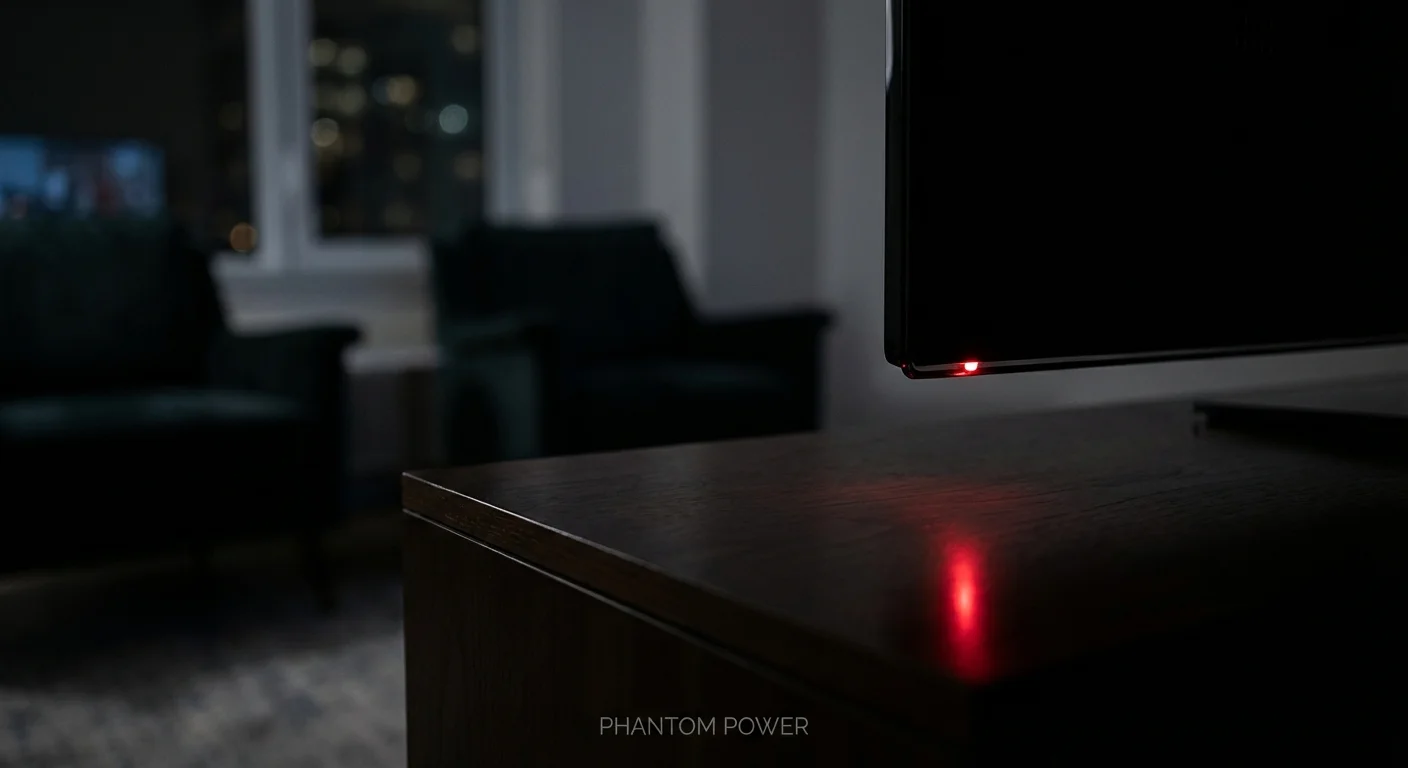
To kill the ghost in the machine, you must first identify where it lives. Phantom power supports convenience features like “instant-on” capabilities for televisions, clock displays on microwaves, and the standby mode on gaming consoles. According to data from Energy.gov, the average U.S. household spends about $100 per year just to power devices that are turned off or in standby mode. In homes with extensive home theaters or multiple home offices, that number can easily double.
Think about your living room. Your smart TV is constantly listening for a “power on” command from your remote. Your soundbar is waiting for an audio signal. Your PlayStation or Xbox is checking for software updates in the background. Individually, these devices might only pull 5 to 10 watts. Collectively, they create a constant “baseload” of energy consumption that adds up to real dollars every billing cycle. Smart plugs and power strips allow you to sever this connection entirely during the hours you are asleep or at work.
“Beware of little expenses; a small leak will sink a great ship.” — Benjamin Franklin
Smart Plugs vs. Smart Power Strips: Which Should You Choose?
While people often use these terms interchangeably, they serve different purposes in your home automation ecosystem. Choosing the right tool for the specific job ensures you don’t overspend on hardware while maximizing your ROI.
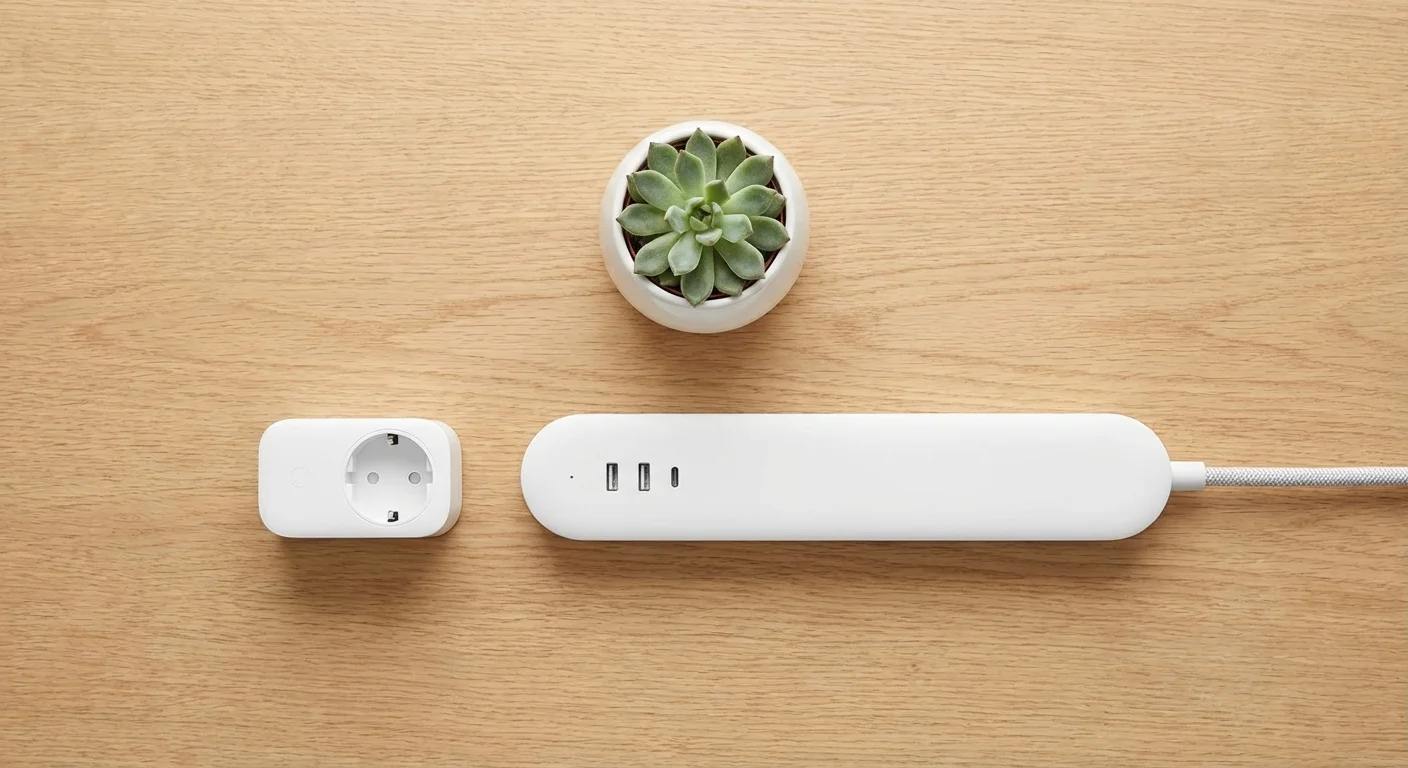
Smart Plugs are single-outlet devices that connect to your Wi-Fi network. You control them via an app or voice assistant (like Alexa or Google Home). They are perfect for individual lamps, coffee makers, or space heaters. Their primary advantage is individual control—you can set a specific schedule for that one device without affecting anything else nearby.
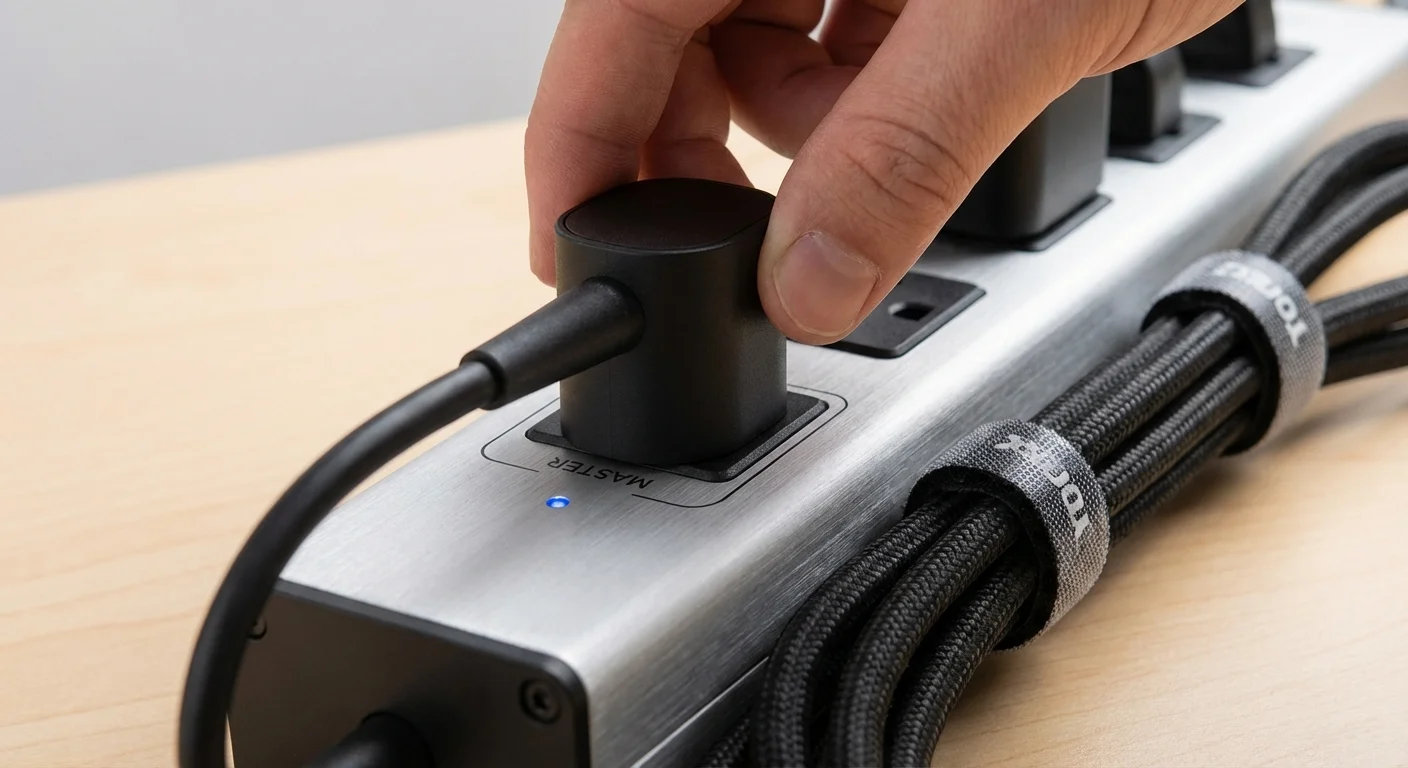
Smart Power Strips (often called Advanced Power Strips or APS) are designed for clusters of electronics. These usually come in two varieties: Wi-Fi enabled strips and “Master/Controlled” strips. Wi-Fi strips allow you to control each outlet on the strip individually through an app. Master/Controlled strips work differently; they have a “Master” outlet (usually for a TV or Computer) and “Controlled” outlets (for peripherals like speakers or monitors). When you turn off the TV, the strip automatically kills power to all the controlled outlets. No app required.
For a deep dive into which specific models currently lead the market in reliability, Wirecutter provides excellent, tested recommendations for both smart plugs and advanced power strips.

Where the Savings Live: A Room-by-Room Strategy
To reach that $20 monthly savings goal, you cannot just put a smart plug on a random lamp and call it a day. You need to target the high-drain areas where phantom power is most aggressive. Use the following breakdown to audit your home and deploy your automation tools where they will do the most heavy lifting.
The Entertainment Center (Estimated Savings: $5–$8/mo)
The living room is usually the biggest offender. A typical setup includes a 4K TV, a soundbar, a subwoofer, a gaming console, and perhaps a streaming device or Blu-ray player. Even when “off,” these devices can pull 30 to 50 watts combined. By using a Master/Controlled power strip, you ensure that when the TV goes off, the subwoofer and soundbar aren’t sitting there humming and wasting juice. If you use a smart plug with a schedule, you can ensure the entire system is physically disconnected from power between 1:00 AM and 7:00 AM.
The Home Office (Estimated Savings: $4–$6/mo)
Modern remote work setups are energy hogs. Your dual monitors, docking station, printer, and powered speakers stay active even when your laptop is shut down for the day. A smart power strip here is a game-changer. Set a schedule that matches your work hours. If you finish work at 5:00 PM, have the power strip shut down at 5:30 PM and turn back on at 8:30 AM. This prevents your monitors from sitting in “standby mode” for 15 hours every single day.
The Kitchen and Small Appliances (Estimated Savings: $2–$4/mo)
Many people are surprised to learn that their coffee maker, toaster oven, and microwave are constantly sipping power to keep their digital clocks glowing. While you might want the microwave clock to stay on, your “smart” coffee maker or espresso machine is an excellent candidate for a smart plug. Not only do you save on standby power, but you can also automate your morning routine so the machine is pre-heated and ready the moment you walk into the kitchen.

The Math of Automation: ROI Analysis
Investing in energy-saving hardware requires an upfront cost. To make this a “smart” financial move, the hardware must pay for itself quickly. Let’s look at the typical costs and the break-even point for a standard two-bedroom apartment or home.
| Tool | Average Cost | Est. Monthly Savings | Break-Even Point |
|---|---|---|---|
| 4-Pack Smart Plugs | $25.00 | $3.00 | 8.3 Months |
| Advanced Power Strip (Living Room) | $30.00 | $7.00 | 4.3 Months |
| Smart Power Strip (Office) | $35.00 | $5.00 | 7 Months |
| Total System | $90.00 | $15.00 – $20.00 | 4.5 – 6 Months |
After about six months, the gear has paid for itself. From that point on, every dollar saved is pure profit. This is the essence of intentional spending—using a small amount of capital to eliminate a recurring, lifelong expense.
Advanced Tactics for the Power Saver
If you want to push your savings beyond the $20 mark, you can utilize more advanced features built into most smart plug ecosystems. Most modern apps (like Kasa, Gosund, or Wemo) offer energy monitoring features. These allow you to see exactly how many kilowatt-hours (kWh) a specific device uses in real-time. Use this data to hunt down the biggest energy thieves in your house. You might discover that an old second refrigerator in the garage is costing you $15 a month on its own, prompting you to replace it or get rid of it entirely.
Geofencing is another powerful tool. Some smart plug apps can track your phone’s location. When you leave the house, the app can automatically shut off specific plugs (like your curling iron, space heater, or desk lamps) and turn them back on when you pull into the driveway. This ensures that you never pay to power an empty house.
You should also check with your local utility provider. Many energy companies offer rebates or even free kits that include advanced power strips and LED bulbs. Organizations like ENERGY STAR often list programs where you can get these tools at a significant discount, sometimes reducing your initial investment to nearly zero.
When It’s Worth Paying More
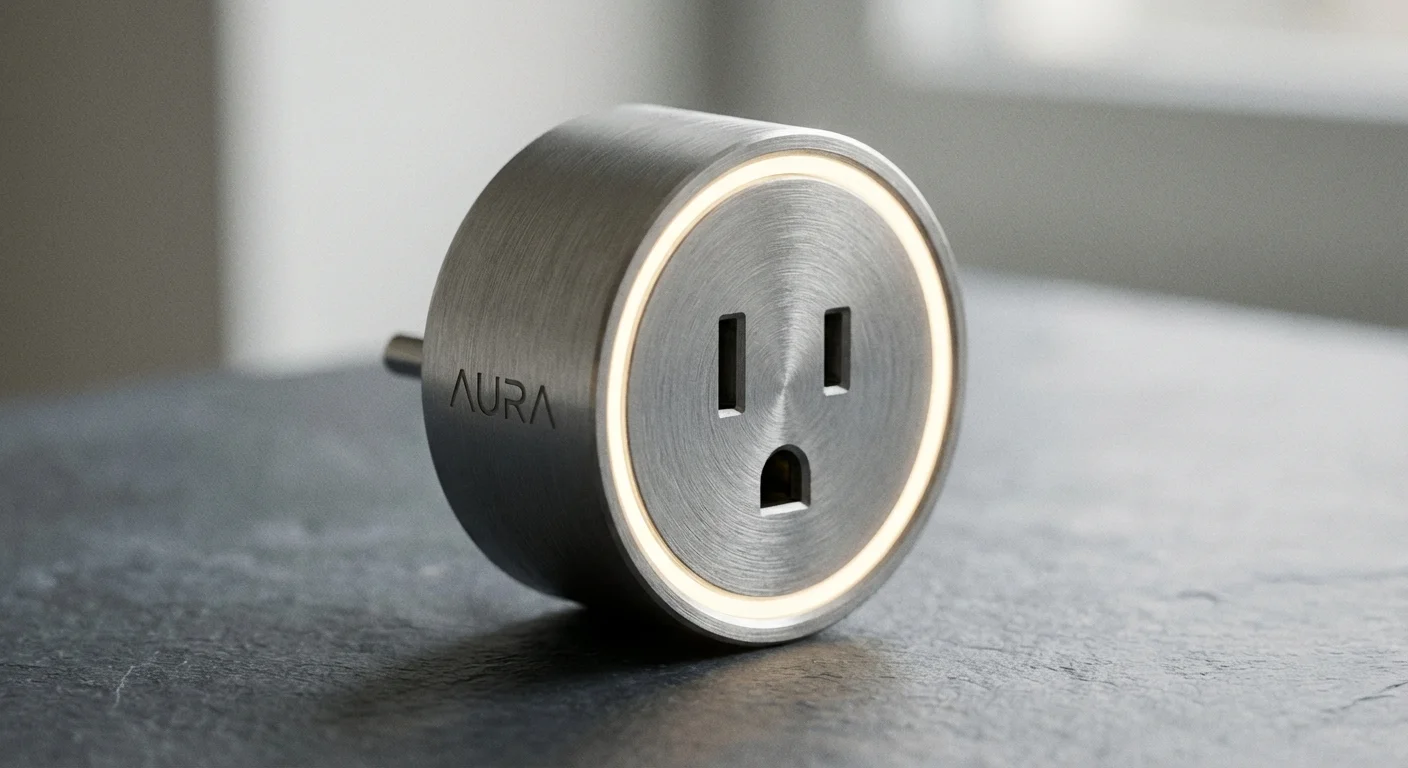
Not all smart plugs are created equal. While you can find “no-name” brands on massive discount sites for $3 each, this is one area where spending a little more for quality pays off. Look for devices that are UL-listed or ETL-certified. These certifications mean the device has been tested for safety. Cheap, uncertified smart plugs can be a fire hazard, especially if you use them for high-wattage appliances like space heaters or window AC units.
It is also worth paying a premium for plugs that offer local control. Some smart plugs require a connection to the manufacturer’s cloud servers to work. If your internet goes out or the company goes out of business, your “smart” plug becomes a “dumb” brick. Brands that support Matter or Apple HomeKit usually allow for local control, meaning they will continue to follow their schedules even if your internet connection drops.
Don’t Fall For These Common Mistakes
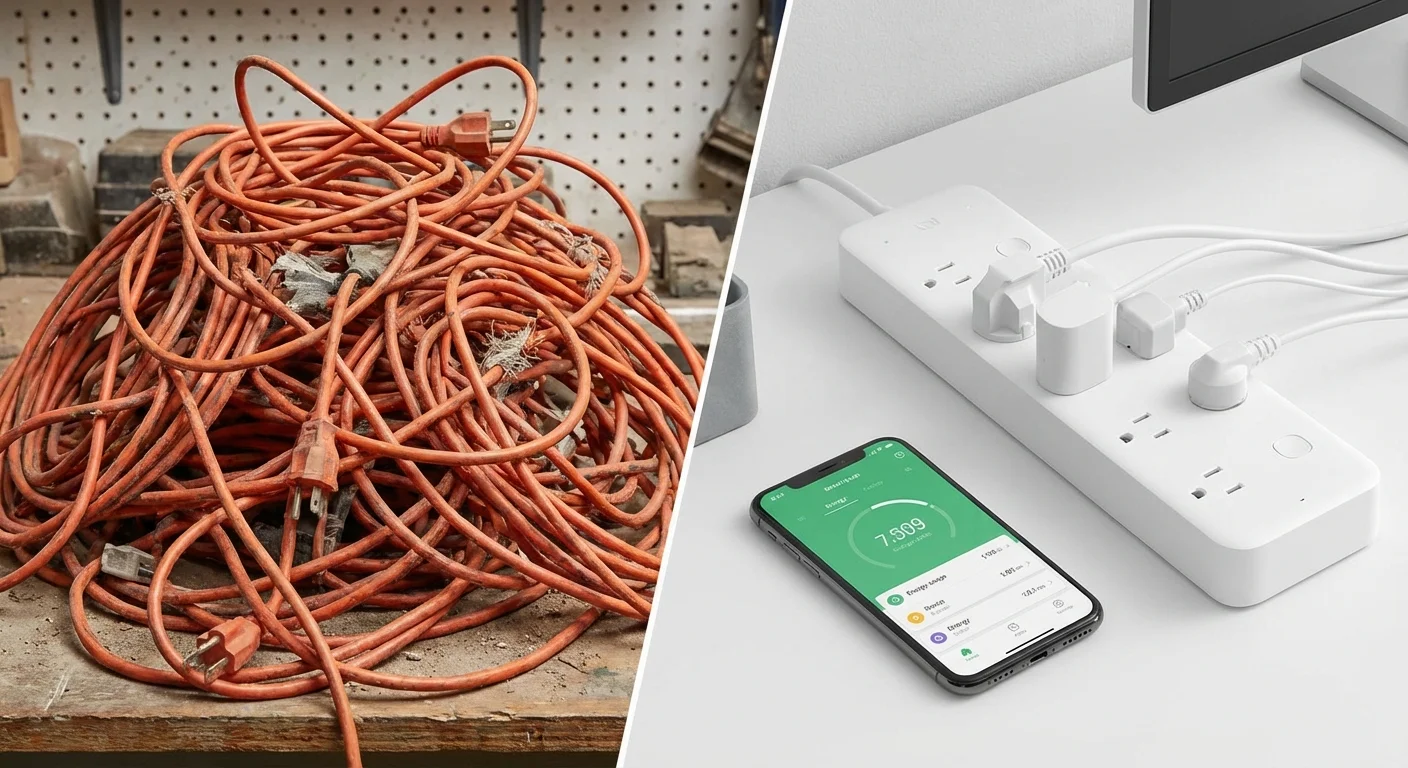
While automation is powerful, a few common errors can negate your savings or even cost you more in the long run. Avoid these pitfalls to keep your budget on track.
- Automating the wrong appliances: Never put a smart plug on your primary refrigerator or a deep freezer. If the software glitches or a schedule is accidentally set incorrectly, you risk hundreds of dollars in spoiled food. The energy savings are negligible compared to the risk.
- Ignoring “Vampire” Hubs: Some smart home ecosystems require a “hub” that stays plugged into your router. If you buy a complex system that requires three different hubs to function, the energy those hubs consume might eat up a significant portion of what you’re saving on the other end. Look for “Hubless” Wi-Fi or Thread-based devices.
- The “Always-On” Desktop: Many people use a smart plug to shut down a desktop computer. This can be hard on your hardware if you don’t shut the OS down properly first. Use the smart plug for the monitors and speakers, but let the computer’s internal power management handle the PC itself.
- Over-automating: Don’t buy a smart plug for every single outlet. Focus on the high-wattage areas. Putting a $15 smart plug on a device that only uses $0.10 of standby power per year means it will take 150 years to break even.

Key Savings Summary
- Kill Phantom Loads: Stop devices from drawing 5–10% of your home’s total energy while they are “off.”
- Master/Controlled Strips: Automatically shut down home theater peripherals when you turn off the TV.
- Scheduled Shutoffs: Force office equipment and kitchen gadgets to stay dead during overnight hours.
- Energy Monitoring: Use smart plug data to identify and replace “energy hog” appliances.
Frequently Asked Questions
Do smart plugs use electricity themselves?
Yes, smart plugs use a small amount of “housekeeping” power to stay connected to your Wi-Fi—usually around 0.5 to 1 watt. However, since they help you shut down devices that draw 10 to 50 watts, the net savings are still significantly in your favor.
Can I use a smart plug with a space heater?
You must be very careful here. Most smart plugs are rated for 10 or 15 amps. A typical space heater on high can pull 12.5 to 15 amps. Only use high-quality, heavy-duty smart plugs that are explicitly rated for the wattage of your heater, and never use a cheap power strip in between.
Will a smart power strip ruin my TV?
Modern TVs are designed to handle power loss. However, some OLED TVs perform a “pixel cleaning” cycle after they are turned off. If you use a smart strip to cut power immediately, you might interrupt this cycle. Check your TV manual; for OLEDs, it’s often better to let the TV stay in standby and use the strip only for the speakers and gaming consoles.
Is it better to use Wi-Fi or Bluetooth smart plugs?
Wi-Fi plugs are generally better for energy saving because they can be controlled from anywhere and usually have more robust scheduling features. Bluetooth plugs require you to be in the house to make changes, which limits their usefulness for automation.
Your Path to a Lower Bill
The beauty of using smart plugs and power strips is that they represent a “one-and-done” victory for your finances. Unlike cutting back on groceries or skipping your morning latte, which require daily discipline and willpower, energy automation requires only one afternoon of setup. Once your schedules are set and your Master/Controlled strips are in place, the savings happen in the background of your life. You aren’t being “cheap”; you are being intentional with your resources.
Start small. Buy one advanced power strip for your TV setup and a two-pack of smart plugs for your home office. Track your bill over the next 60 days. Once you see the needle move, you can expand your system. Saving $20 a month might not seem like a fortune, but over a decade, that is $2,400—plus interest if you invest it—that stayed in your pocket instead of going to the utility company. That is the power of smart dollar management.
The savings estimates in this article are based on typical costs and may differ in your area. Always compare current prices and consider your household’s specific needs.
Last updated: February 2026. Prices change frequently—verify current costs before purchasing.








Leave a Reply