
You glance at your bank account on a Tuesday morning and see a balance that feels “fine,” yet by Friday, you are wondering where that last $400 went. It is a common cycle that plagues even those with decent salaries—the invisible leak of modern subscriptions, convenience fees, and impulse buys. According to the Bureau of Labor Statistics, the average American household spends significantly on “miscellaneous” categories that often go untracked without a formal system. In 2025, mobile budgeting has evolved from clunky digital checkbooks into sophisticated financial coaches that live in your pocket. If you are tired of wondering where your money goes and want to start telling it where to go instead, choosing the right app is your first critical step toward financial sovereignty.

Why Most People Fail at Budgeting Before They Start
Most beginners fail at budgeting because they treat it like a restrictive diet rather than a management tool. They download an app, sync their accounts, look at a sea of red “overspent” bubbles, and delete the app out of frustration. The secret to success in 2025 is matching your specific personality to the app’s underlying philosophy. Some people need a drill sergeant to account for every nickel; others just need a high-level view to ensure they aren’t overspending on takeout. Before you commit to a subscription or a complex interface, you must understand the two primary schools of thought: the tracking method and the zero-based method. Tracking apps tell you what happened in the past, while zero-based apps—the gold standard for debt reduction—force you to plan for every dollar before you spend it.
“It’s not your salary that makes you rich, it’s your spending habits.” — Charles A. Jaffe
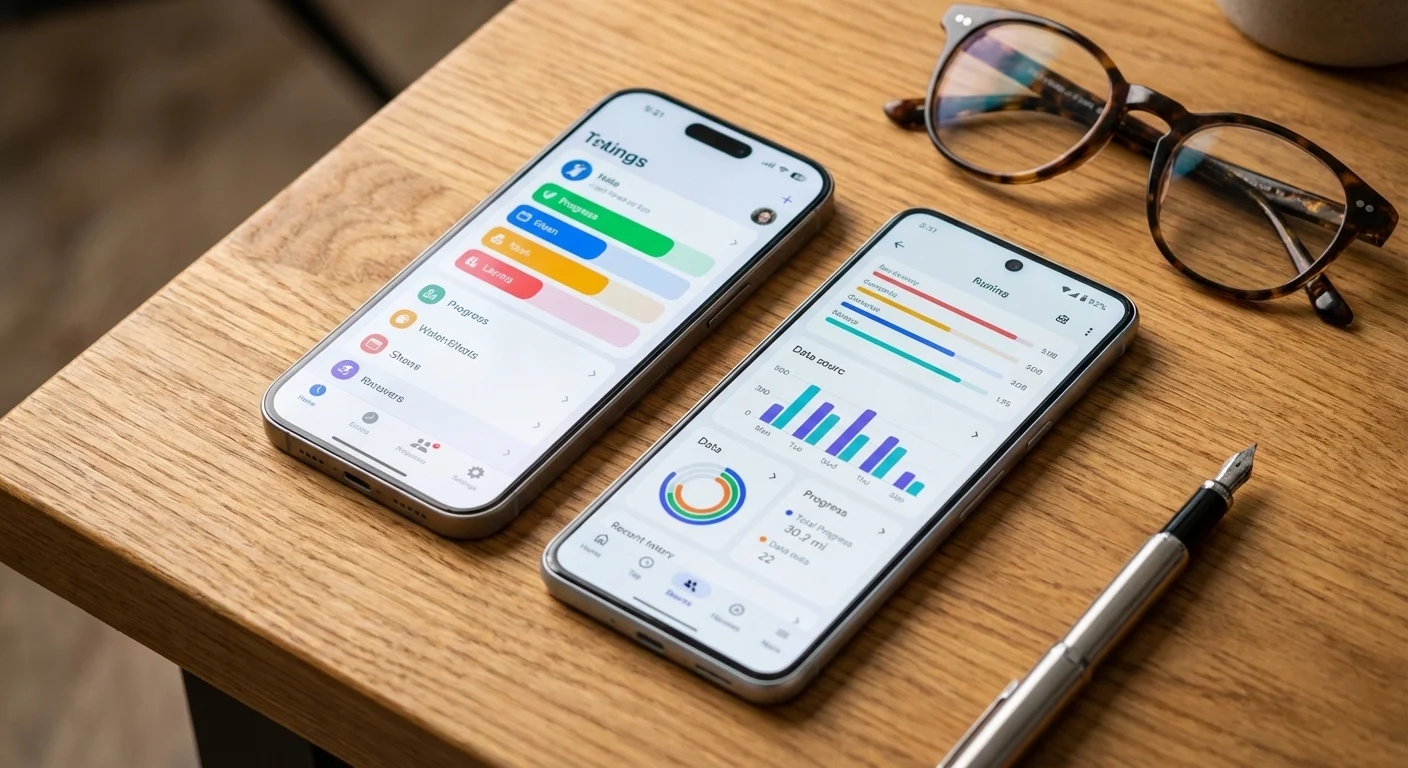
The Heavyweight Comparison: YNAB vs EveryDollar
When you search for the best budgeting apps 2025, two names consistently dominate the conversation: YNAB (You Need A Budget) and EveryDollar. While both utilize a zero-based budgeting framework, they cater to very different mindsets. Understanding the YNAB vs EveryDollar debate is essential for any beginner deciding where to invest their time and money.
YNAB (You Need A Budget) is more than an app; it is a philosophy. It operates on four specific rules, the most important being “Give Every Dollar a Job.” YNAB does not care how much money you will make this month—it only cares about the cash sitting in your account right now. This “envelope system” approach prevents you from overextending based on future promises. In 2025, YNAB remains the powerhouse for those who want to break the paycheck-to-paycheck cycle. The learning curve is steep, and you will likely feel confused for the first 30 days, but the data suggests it works. YNAB claims new users save an average of $6,000 in their first year.
EveryDollar, created by the Ramsey Solutions team, offers a much shallower learning curve. It is designed for simplicity and follows the “Baby Steps” debt-reduction plan. If you find YNAB’s interface overwhelming, EveryDollar provides a clean, drag-and-drop experience. You enter your monthly income at the top and subtract your expenses until you reach zero. While the premium version syncs with your bank, the free version is a favorite for those who prefer manual entry to stay “close” to their spending. For a beginner who wants to start budgeting in under ten minutes, EveryDollar is often the superior entry point.
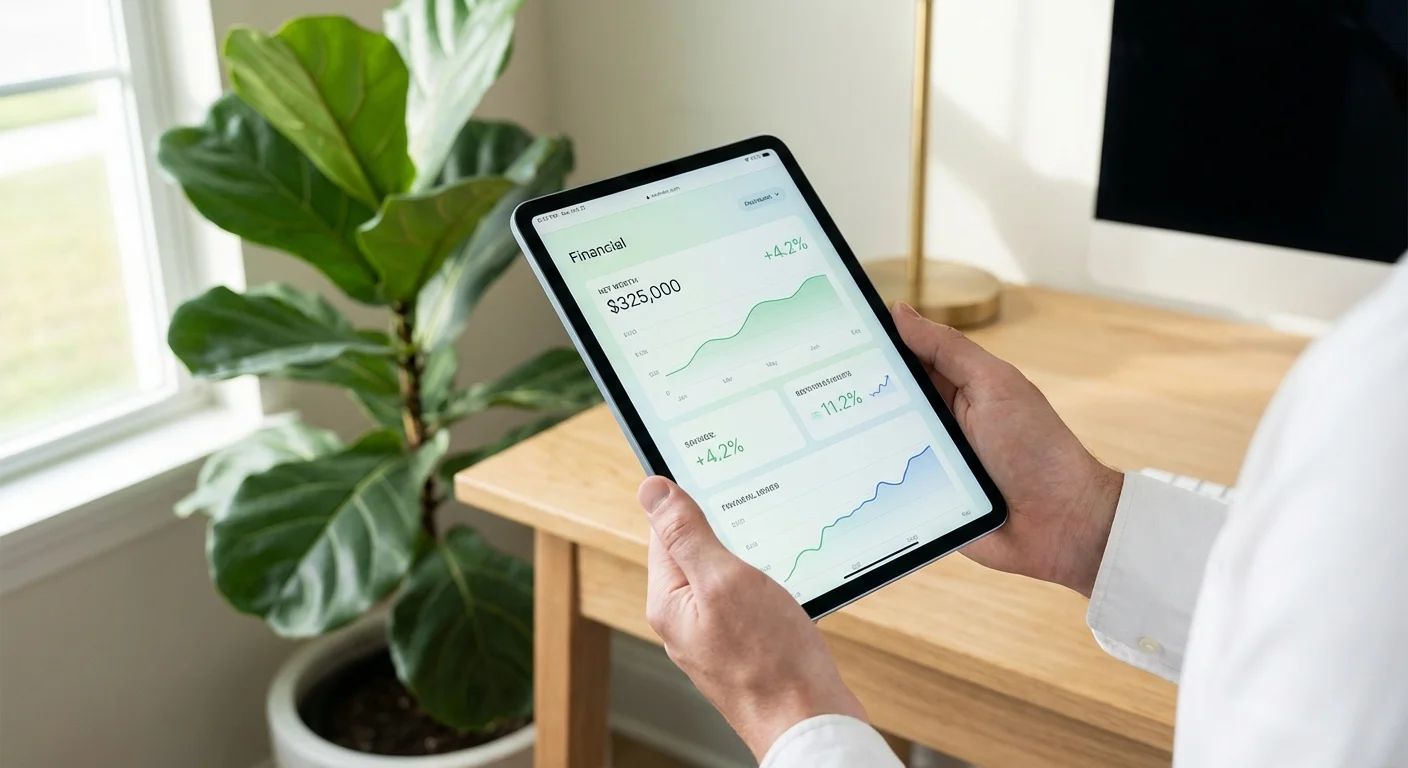
Top Budgeting Apps for Beginners: 2025 Comparison
The following table breaks down the most popular options available this year to help you identify which feature set aligns with your goals.
| App Name | Best For | Cost (Approx.) | Primary Strength |
|---|---|---|---|
| YNAB | Debt Elimination | $14.99/mo or $99/yr | Strict zero-based budgeting rules |
| EveryDollar | Ease of Use | Free or $79.99/yr | Simple, clean interface; Ramsey-aligned |
| Monarch Money | Couples/Families | $14.99/mo or $99/yr | Collaboration and multi-account syncing |
| Rocket Money | Subscription Control | $3-$12/mo (Slider) | Finding and canceling forgotten bills |
| Empower | Net Worth Tracking | Free | Investment and retirement focus |

The Rise of Collaborative Budgeting: Monarch Money
If you are managing finances with a partner, 2025 has seen Monarch Money emerge as a top contender. Beginners often struggle with “the talk” regarding finances; Monarch eases this by allowing two users to have separate logins while viewing the same household data. It functions as a middle ground between the intensity of YNAB and the simplicity of Rocket Money. The dashboard is highly customizable, allowing you to move widgets around so you see exactly what matters to you—whether that is your emergency fund progress or your “dining out” spending for the month. For those who feel that mobile budgeting should look as modern as a high-end banking app, Monarch is the aesthetic winner.

Best Free Budget Apps for the Frugal Beginner
Paying for a budgeting app can feel counterintuitive when you are trying to save money. If you are not ready to commit to a monthly subscription, several free budget apps provide robust features without the price tag. Empower (formerly Personal Capital) is the gold standard for free wealth tracking. While its budgeting features are slightly less granular than YNAB, it excels at showing you the “big picture.” It tracks your net worth, investment fees, and asset allocation across all accounts.
Another strong free contender is PocketGuard. It focuses on one simple number: “In My Pocket.” After accounting for your bills, goals, and necessities, the app tells you exactly how much spendable cash you have left for the day. This is an excellent feature for beginners who struggle with the “can I afford this?” moment at a retail store. By stripping away the complexity of spreadsheets, PocketGuard helps you make real-time decisions based on your actual remaining balance.
Mobile Budgeting: Must-Have Features in 2025
When you evaluate an app, do not get distracted by flashy charts. Focus on these three practical features that determine whether you will actually use the app six months from now:
- Bank Syncing Reliability: Check if the app uses Plaid or Finicity. There is nothing more frustrating than having to re-authenticate your bank every three days. Consistent syncing ensures your data is always current.
- Custom Categories: Your life does not fit into “General Merchandise.” You need to be able to create categories for your specific vices—whether that is “Target Dollar Spot” or “Vintage Records.”
- Split Transactions: If you go to a big-box store like Costco and buy groceries, clothes, and a set of tires, your app must allow you to split that single receipt into three different budget categories.

Savings Killers: Avoid These Common Budgeting Pitfalls
Even with the best app, certain habits act as “savings killers” that can undermine your progress. Awareness of these traps is half the battle for a beginner.
The “Misc” Category Trap: Many beginners create a large “Miscellaneous” category to catch everything they don’t want to label. This is where your budget goes to die. If a category is too vague, you cannot analyze it. Instead, create a “Stuff I Forgot to Budget For” category but limit it to $50. If you spend more than that, find out exactly what those purchases were and give them their own home.
Lifestyle Creep: When you start seeing extra money in your “In My Pocket” section, the temptation is to spend it. Professional financial advisors often recommend automating your savings—moving that surplus to a high-yield savings account the moment your budget shows a win. You can learn more about protecting your assets and managing debt at the Consumer Financial Protection Bureau (CFPB).
Ignoring Annual Fees: Apps that only look at monthly views often miss the $150 Amazon Prime renewal or the $500 car insurance premium due every six months. The best budgeting apps of 2025 allow you to set “Sinking Funds”—small monthly amounts you set aside so that large, predictable bills don’t feel like emergencies when they arrive.
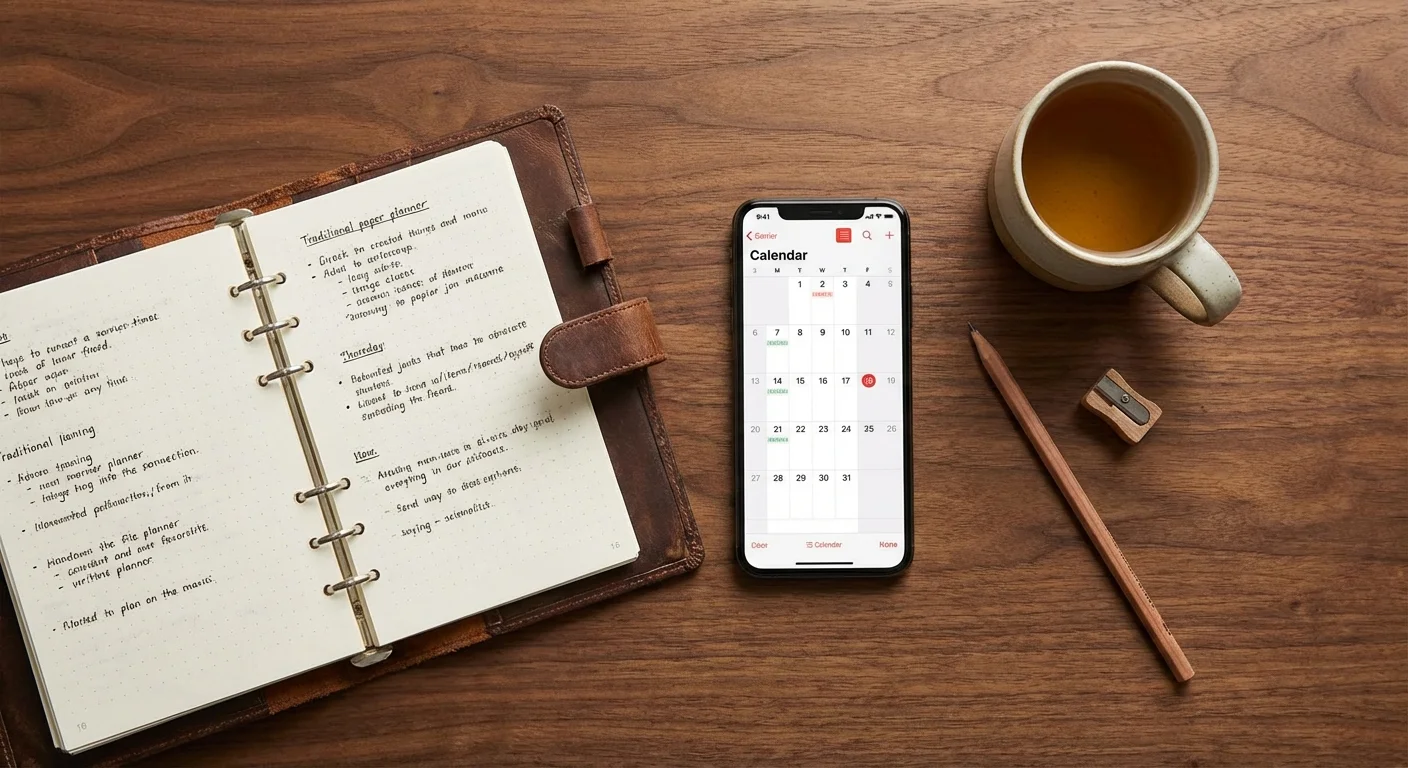
DIY vs. Professional App: Which is Right for You?
You might wonder if you really need an app at all. Some people prefer the “Old School” method of using a pen and paper or a manual Excel spreadsheet. This is a valid choice, but it requires a level of discipline that most beginners haven’t built yet. A DIY approach is perfect if you have a very simple financial life—one income stream and a handful of bills. It is also the most private option, as you aren’t sharing bank credentials with a third party.
However, a professional budgeting app is superior for the modern consumer for one reason: automation. The average person makes dozens of transactions a week. Manually logging every coffee, gas station trip, and digital subscription is exhausting. Apps do the heavy lifting of pulling data, leaving you with the more important job of making decisions based on that data. For more on the pros and cons of different financial tools, resources like Clark Howard provide excellent, unbiased advice on saving money and avoiding unnecessary fees.

Getting Started: Your First 30 Days
Do not try to build a perfect budget on day one. Your first month is purely for data collection. Download your chosen app—whether it is YNAB, EveryDollar, or a free alternative—and simply track what happens naturally. You will likely be shocked to find that you spend $200 more on groceries than you estimated. This “shock phase” is normal. By month two, you can begin to set realistic limits based on your actual behavior, not an idealized version of yourself.
For those looking to cut costs immediately to fund their new budget goals, check out Energy.gov Savings Tips to reduce your monthly utility bills. Often, the easiest way to “find” money for your budget is to eliminate waste in your home expenses.
“Beware of little expenses; a small leak will sink a great ship.” — Benjamin Franklin
Frequently Asked Questions
Are budgeting apps safe to use?
Most reputable apps use bank-level encryption (256-bit AES) and read-only access. They can see your transactions but cannot move your money. Look for apps that support multi-factor authentication (MFA) for added security.
Should I pay for a budget app?
If a paid app like YNAB or EveryDollar helps you save $100 a month that you would otherwise spend on impulse buys, the $10-$15 monthly fee is a high-return investment. Start with a free trial to ensure the interface works for you.
Can I budget if my income is irregular?
Yes. Zero-based apps like YNAB are actually better for irregular incomes because they focus on the money you have right now. You simply fund your most immediate needs first and wait for the next check to fund the rest.
What is the best app for getting out of debt?
YNAB and EveryDollar are specifically designed for debt “warriors.” Their focus on giving every dollar a job prevents the “accidental spending” that keeps people in debt loops. You can also find free debt management resources at USA.gov Consumer Resources.
The transition from “spending and hoping” to “budgeting and knowing” is the single most important financial move you can make. Pick one app today—don’t overthink it—and link just one account. Start by looking at your spending from the last seven days. That small moment of clarity is the foundation for a much wealthier 2025. The savings estimates in this article are based on typical costs and may differ in your area. Always compare current prices and consider your household’s specific needs.
Last updated: February 2026. Prices change frequently—verify current costs before purchasing.









Leave a Reply