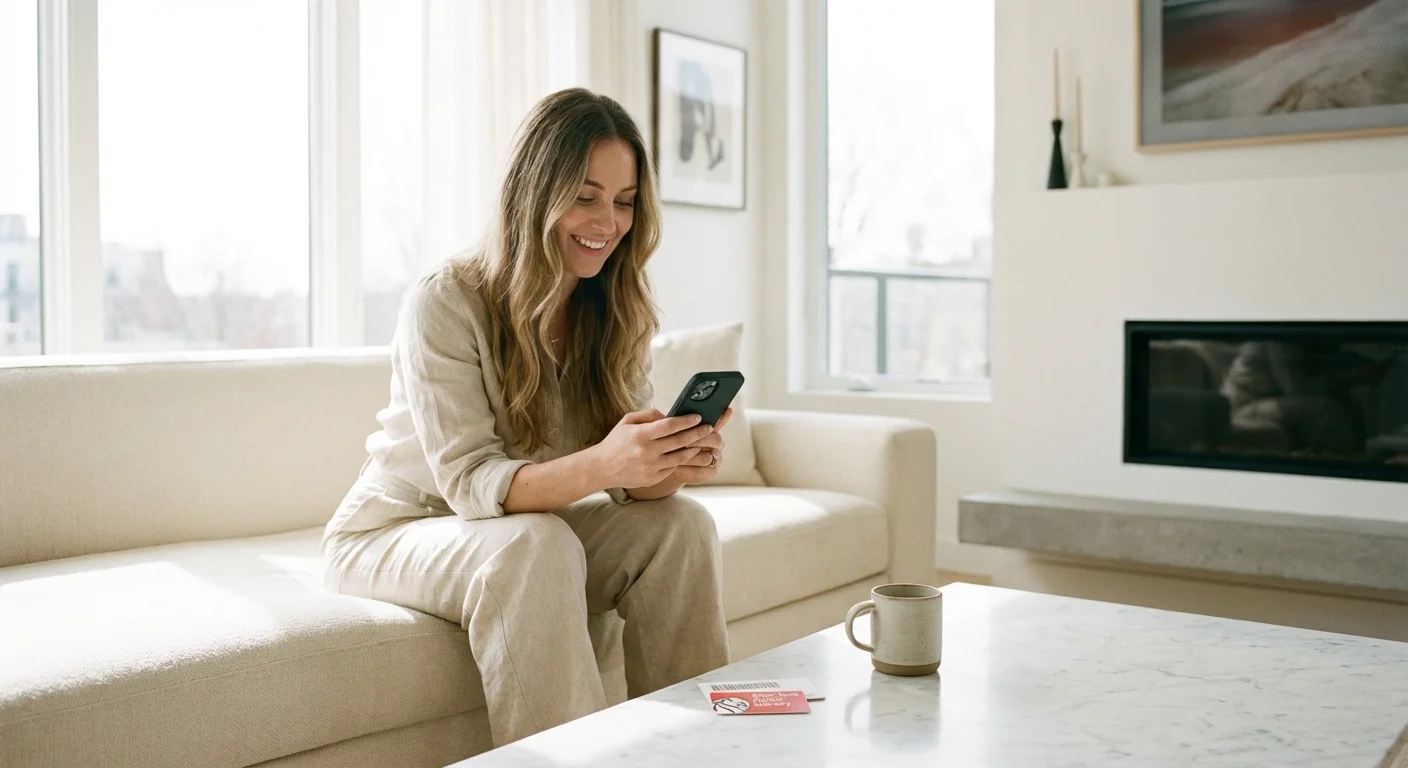
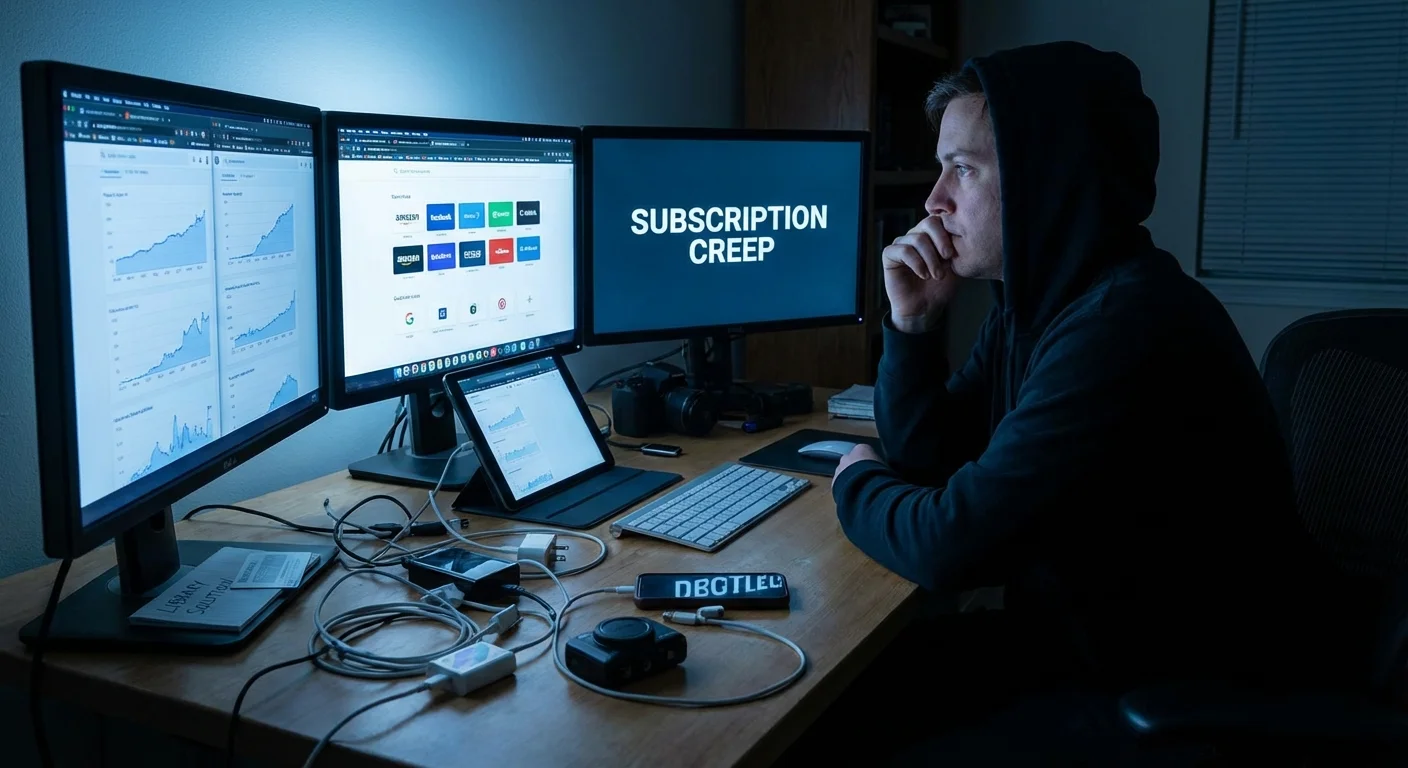
Take a look at your bank statement from last month and count the number of recurring digital payments. Between the $15 for music, $20 for movies, $10 for cloud storage, and another $15 for that audiobook habit, you likely find a “subscription creep” that quietly drains hundreds of dollars from your budget every season. The Bureau of Labor Statistics reports that the average American household spends nearly $3,500 annually on entertainment; a significant portion of that now goes toward digital content you never actually own.
You can reclaim a massive chunk of that change without sacrificing your favorite shows, latest bestsellers, or daily news. The secret lies in a plastic card likely sitting in your junk drawer or wallet: your public library card. Modern libraries have evolved far beyond dusty stacks of paper—they are now high-tech hubs providing premium digital services that rival Netflix, Audible, and Spotify. By strategically replacing just five or six paid services with free library resources, you can easily keep $2,000 or more in your pocket this year.
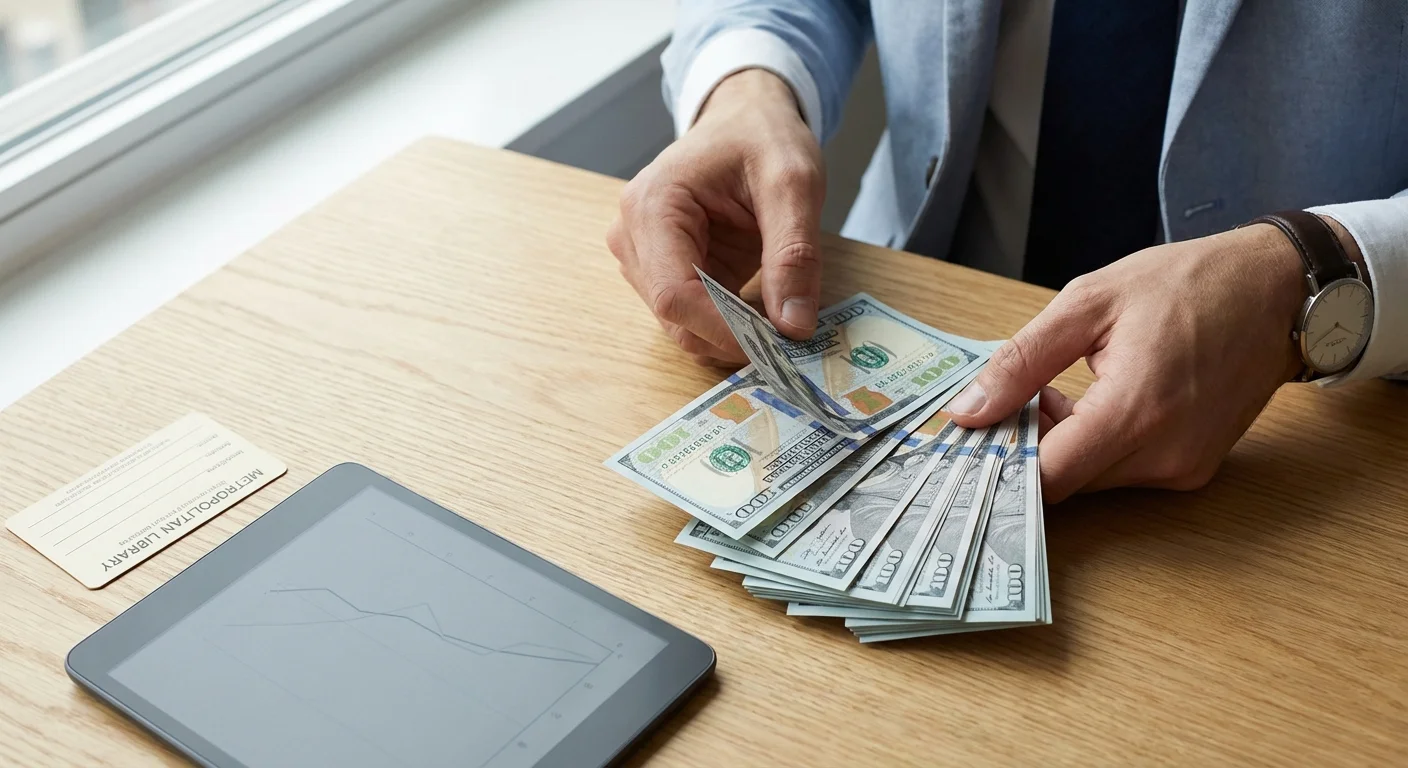
The Annual Savings Breakdown: Where the $2,000 Comes From
Before diving into the specific apps, you need to see the math. Many people underestimate the cumulative cost of small monthly fees. When you aggregate the most common digital subscriptions, the “library alternative” savings become staggering. Below is a comparison of typical market rates for popular services versus the cost of accessing them through a library card.
| Service Type | Common Paid Alternative | Monthly Cost | Annual Cost |
|---|---|---|---|
| Streaming Movies/TV | Netflix (Premium) + Hulu | $41.00 | $492.00 |
| Audiobooks | Audible (Premium Plus) | $14.95 | $179.40 |
| E-books | Kindle Unlimited | $11.99 | $143.88 |
| Music Streaming | Spotify Premium | $11.99 | $143.88 |
| Digital News/Magazines | NYT + WSJ + Magazines | $55.00 | $660.00 |
| Professional Learning | LinkedIn Learning | $39.99 | $479.88 |
| Total Potential Savings | — | $174.92 | $2,099.04 |
These figures represent a conservative estimate. If you have a large family with multiple distinct accounts or frequently buy individual digital rentals, your savings will climb even higher. By shifting these expenses to your library’s budget, you effectively give yourself a $2,000 annual raise.
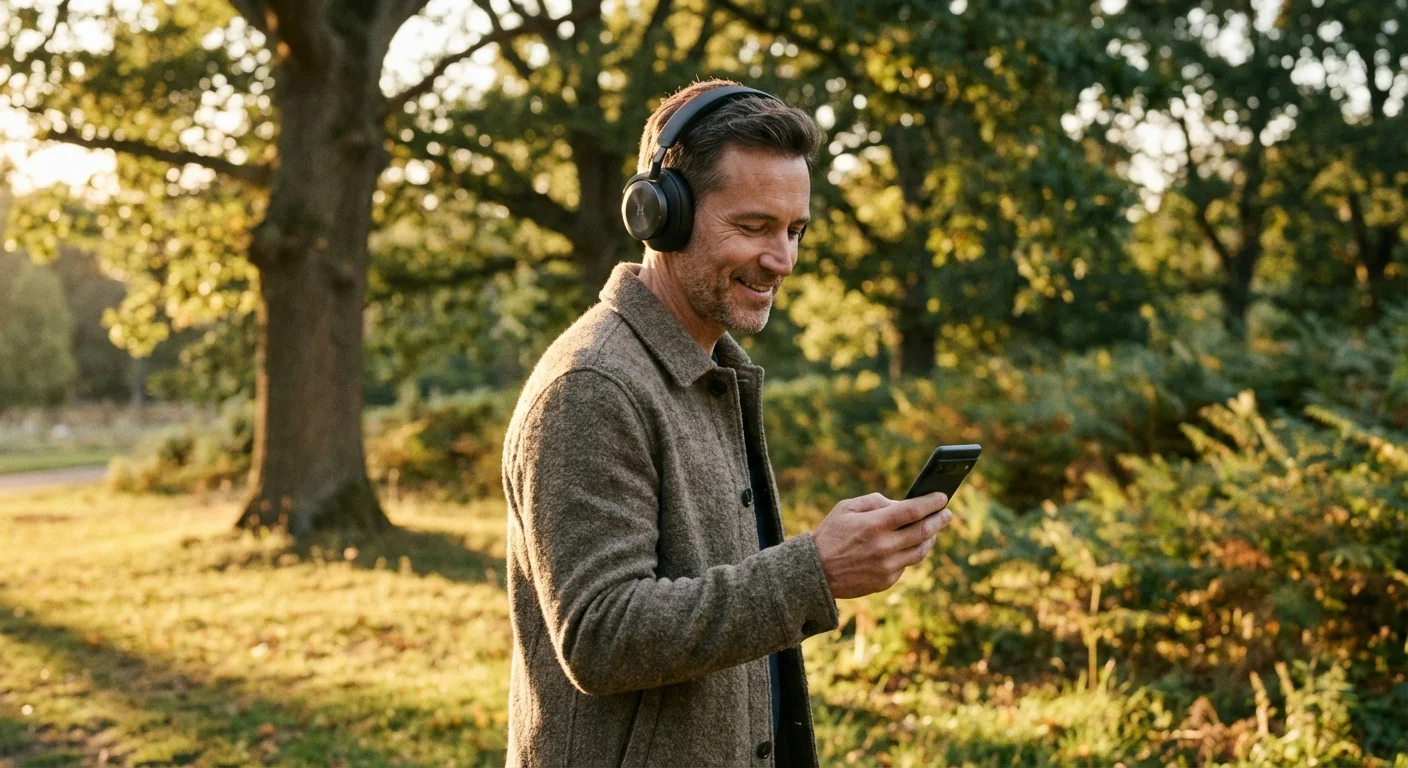
Mastering the Libby App: Your Gateway to Free E-books and Audiobooks
If you currently pay for Audible or Kindle Unlimited, the Libby app (created by OverDrive) is your most powerful tool for immediate savings. Libby connects directly to your library card and allows you to borrow e-books and audiobooks directly to your smartphone, tablet, or Kindle e-reader. You don’t have to visit a physical building; you simply browse the catalog and download titles over Wi-Fi.
To maximize your savings on audiobooks, stop purchasing individual credits. The average audiobook retails for $25 to $40, and even a subscription credit costs about $15. If you listen to two books a month, Libby saves you $360 a year. The interface is sleek and includes features like adjustable playback speed, sleep timers, and car integration via Apple CarPlay or Android Auto. Many users find the Libby experience superior to paid apps because it integrates with local library systems across the country.
One pro tip for frequent readers: Check if your library participates in a reciprocal lending agreement. Many large city libraries allow any resident of the state to sign up for a card. By adding multiple library cards to your Libby app, you increase the “inventory” available to you—meaning shorter wait times for popular new releases and access to specialized niche collections.

Kanopy vs Netflix: High-Quality Cinema Without the Bill
Streaming services continue to raise prices while simultaneously introducing ads. Kanopy offers a refreshing, cost-free alternative focused on high-quality cinema, documentaries, and classic films. Most public libraries provide a set number of “tickets” or “credits” each month that you can use to stream content on your smart TV, Roku, or laptop.
While Netflix focuses on original series and reality TV, Kanopy excels in curated content from A24, The Criterion Collection, and PBS. If you are a film buff who enjoys indie hits or educational documentaries, Kanopy can entirely replace a mid-tier streaming subscription. Many libraries also offer “Kanopy Kids,” which provides unlimited streaming of quality children’s programming—saving parents the $15.99 monthly cost of a Disney+ or Paramount+ subscription.
Hoopla Digital is another common library partner that functions similarly to a “Digital Blockbuster.” Unlike Libby, which often has waitlists for popular titles, Hoopla usually offers “instant” borrows. You can stream movies, TV shows, and even full music albums. Between Kanopy and Hoopla, you can likely cut at least two paid streaming services from your monthly budget without feeling the “content drought” that often comes with cutting the cord.
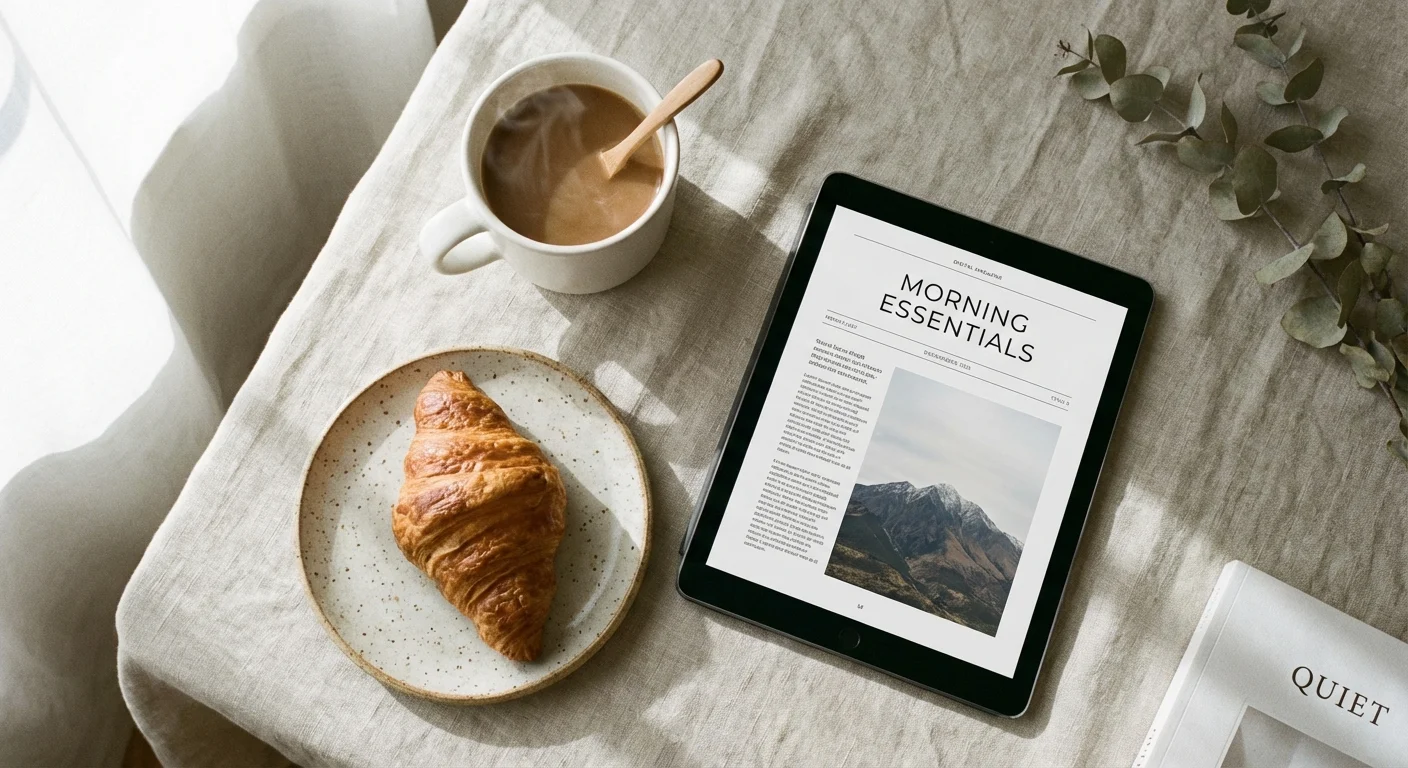
Replacing the Newsstand: Free Access to Premium Journalism
Accessing reliable news has become an expensive endeavor. Major publications like The New York Times, The Wall Street Journal, and The Washington Post often charge between $15 and $40 per month for full digital access. However, most medium-to-large library systems provide “group passes” for their members. You simply log in through the library’s portal, and you get a 24-hour or 72-hour pass for full, unrestricted access to the publication’s website and app.
Beyond daily newspapers, you can save significantly on magazine subscriptions. Services like PressReader or the magazine section of Libby provide digital versions of hundreds of titles, including National Geographic, The Economist, Vogue, and Consumer Reports. A single print subscription to The Economist can cost over $200 annually. Accessing it digitally through your library is not just a space-saver—it is a significant financial win.
“It’s not your salary that makes you rich, it’s your spending habits.” — Charles A. Jaffe
By leveraging these news resources, you stay informed while eliminating the “death by a thousand cuts” caused by multiple $10/month news subscriptions. If you are a dedicated researcher or student, check if your library offers access to JSTOR or ProQuest. These academic databases usually cost hundreds of dollars for individual access but are free for library patrons.
Professional Development and Creative Skills for Free
In a competitive job market, many people pay for LinkedIn Learning (formerly Lynda.com) or Udemy to pick up new technical skills. These platforms typically cost between $30 and $45 per month. Most people don’t realize that a library card often grants you full, premium access to the entire LinkedIn Learning catalog—over 16,000 courses taught by industry experts.
Whether you want to learn Python, master Excel, or improve your leadership skills, the library covers the cost. This is one of the highest-value digital perks available. If you use the platform to earn certifications or improve your resume, the return on investment is infinite. Beyond career skills, some libraries offer access to Creativebug for crafting and DIY projects, or Mango Languages and Rosetta Stone for language learning. Each of these represents an annual saving of $100 to $200 compared to paying for individual licenses.
How to Modernize Your Library Experience
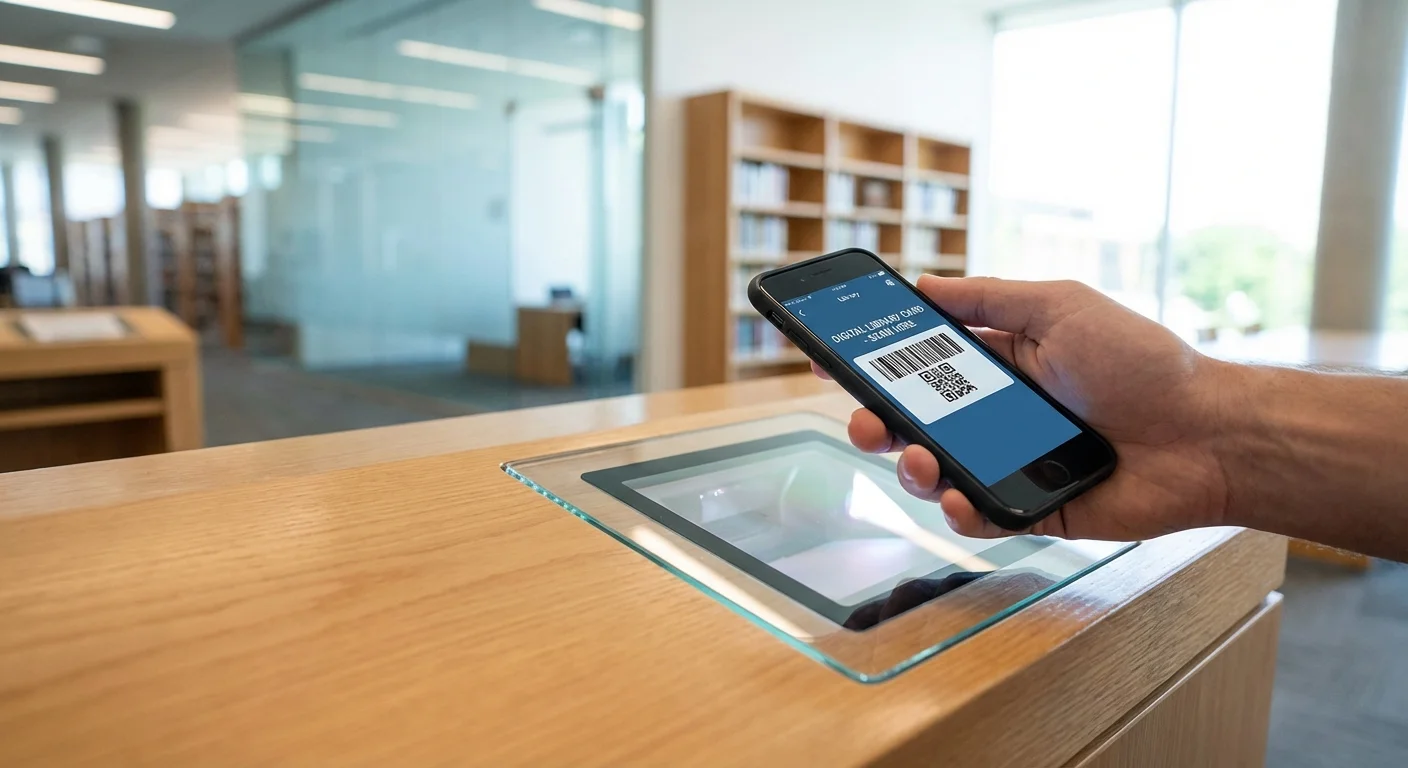
If you haven’t stepped foot in a library for years, the process has changed. You often don’t even need to visit in person to get started. Many systems now offer “e-cards” that you can register for online by providing your address and basic information. Once you have your digital card number and PIN, follow these steps to start saving:
- Download the Big Three: Install Libby, Hoopla, and Kanopy on your primary devices. These apps handle about 80% of the library’s digital content.
- Check the Library Website: Look for a tab labeled “Digital Resources,” “E-Library,” or “Online Databases.” This is where you will find the direct links for The New York Times or LinkedIn Learning access.
- Add Multiple Libraries: If you live in a county with a separate city library system, or if you work in a different municipality, check if you are eligible for cards in both. More cards mean more borrow limits and more diverse content.
- Use the “Notify Me” Feature: In the Libby app, use the “Deep Search” or “Notify Me” tags. If your library doesn’t own a digital title you want, you can express interest. Libraries use this data to decide which new e-books and audiobooks to purchase.
Where People Overspend
The biggest mistake most consumers make is paying for “convenience” that the library already provides. For instance, many people maintain an Audible subscription because they think library waitlists are too long. However, if you “stack” your holds—placing holds on five books you want to read in the future—you will eventually have a steady stream of new content arriving in your inbox without the $15 monthly fee. Overspending often happens when we prioritize “right now” over “intentional” consumption.
Another area of overspending is digital magazine apps like Apple News+. While convenient, these often lack the depth of the full digital replicas found on PressReader or Libby. If you find yourself scrolling through news but only reading a few articles, the library’s free access is a much smarter financial choice. Before you click “subscribe” on any new digital service, make it a habit to check your library’s “A-Z Resource List” first.
Frequently Asked Questions
Is the Libby app really free?
Yes. There are no subscription fees, “pro” versions, or in-app purchases. The service is paid for by your local taxes through the library’s budget. Your only “cost” is the time it takes to enter your library card number.
What happens if I don’t finish a book on time?
Digital loans are great because there are no late fees. Once your loan period ends (usually 14 or 21 days), the file simply disappears from your device or becomes inactive. You can immediately borrow it again if no one else is waiting.
Can I use library apps on my Kindle?
Yes, Libby has a “Send to Kindle” feature for most e-books in the United States. This allows you to read your borrowed library books on your Kindle Paperwhite or Oasis exactly like a book you purchased from Amazon.
Do I need to be a resident to get a library card?
Usually, yes. However, many systems offer “non-resident” cards for a small annual fee (typically $50). While this isn’t free, paying $50 a year for access to a massive digital catalog is still significantly cheaper than paying $500+ for individual subscriptions.
Take Action Today
The most effective way to start saving is to pick one paid service and cancel it today. If you have three unspent Audible credits, use them, and then cancel the subscription. Move your reading list over to Libby. By tackling your subscriptions one by one, you prevent the feeling of “missing out” while watching your savings account grow. If you’re looking for more ways to optimize your household budget, consider exploring the Consumer Financial Protection Bureau’s guides on cutting unnecessary expenses or check The Penny Hoarder for community-vetted frugal living tips.
Your library card is the most undervalued financial tool in your possession. It provides access to world-class entertainment, journalism, and education—all pre-paid by your tax dollars. Stop paying twice for the same content and start using your public library to its full digital potential. You have nothing to lose except a few high monthly bills.
The savings estimates in this article are based on typical costs and may differ in your area. Always compare current prices and consider your household’s specific needs.
Last updated: February 2026. Prices change frequently—verify current costs before purchasing.





Leave a Reply